DevSpace Plan Configuration
The moment your DevSpace account trial ends you need to choose Build Targets you will be able to build for and select users who should keep access to DevSpace.
As Company owner or Company Manager you will be prompted with a setup wizard guiding you with 3 steps configuration.
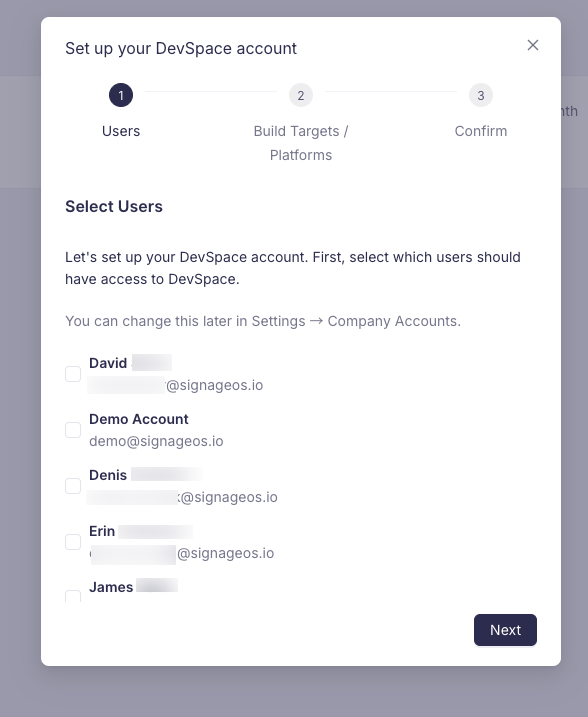
- 1
Select users with access to DevSpace
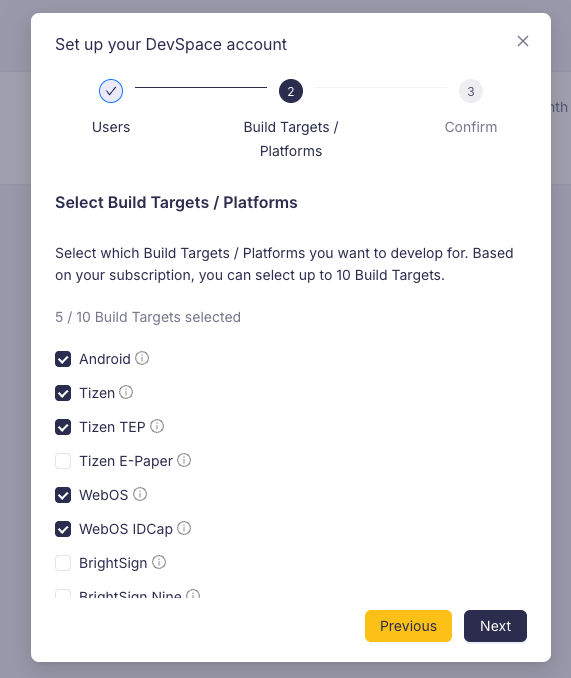
- 2
Select Build Targets
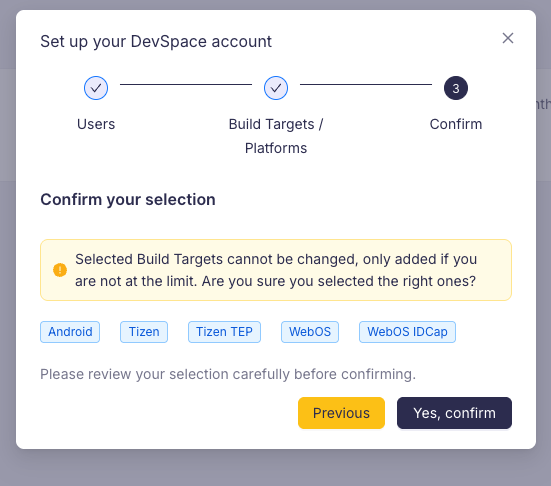
- 3
Confirm your selection
How to change selected Build Targets
Your DevSpace plan allows you to select given number of Build Targets. Once you make your selection you cannot change it until next subscription renewal.
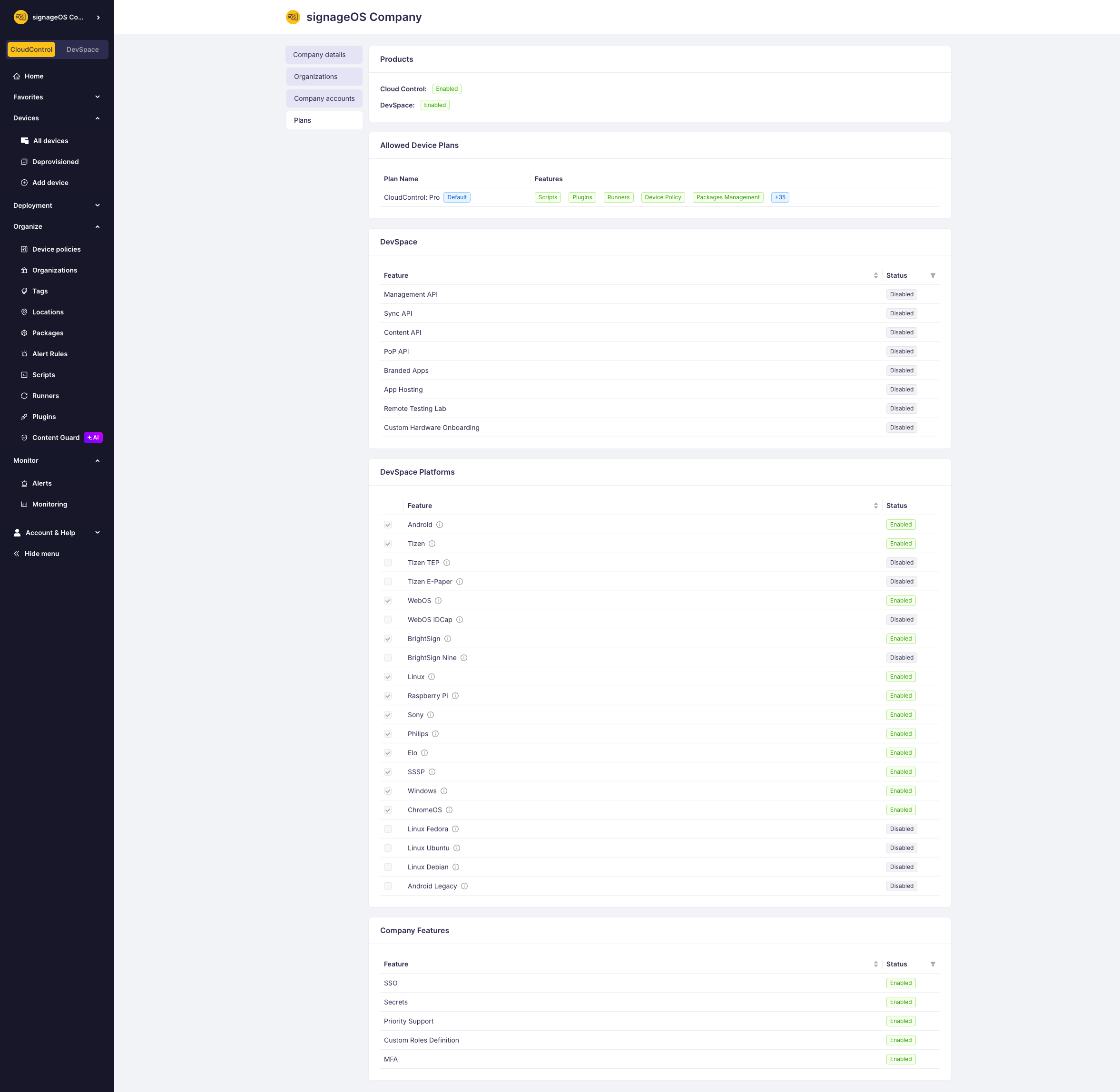
You do not need to select all Build Targets at once. While going through the wizard you can pick just one and select the rest later in Company settings on Plan tab.
If you make a mistake, reach out to our support team to make the change. In case you need additional Build Targets, reach out to our sales team.
Review your selection
As a Company owner or Company manager you can navigate to your Company settings in Box and see your Build Target selection on Plan tab.