Device Plans Management
Learn how to organize devices (and your device networks/customers) into Organizations.
CloudControl operates with Device Plans - Basic, Pro, Ultra. Each of these plans come with a set of features. In signageOS we call these features Feature Entitlements.
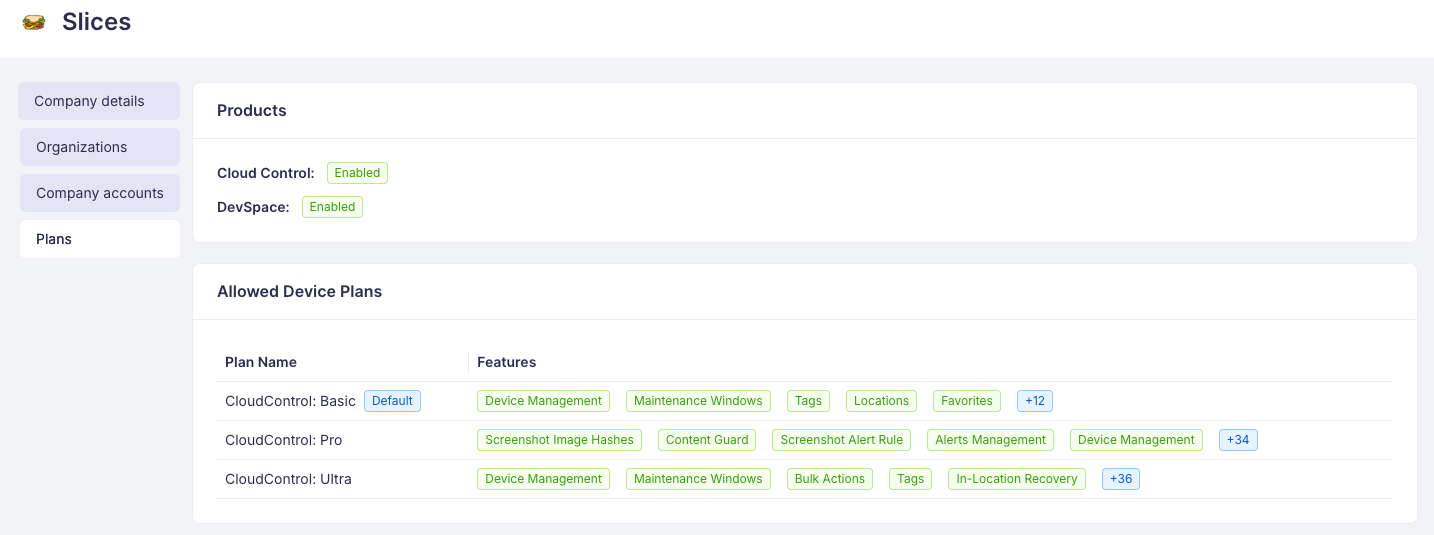
Your Company can operate, given your subscription, with all the available plans or a subset. Currently available plans are listed in Plans tab under Company setting in Box.
Feature Entitlements
Each Device Plan comes with a set of Feature Entitlements - the capabilities included in that plan. Your active Device Plan is displayed directly in Box under Company settings → Plans.
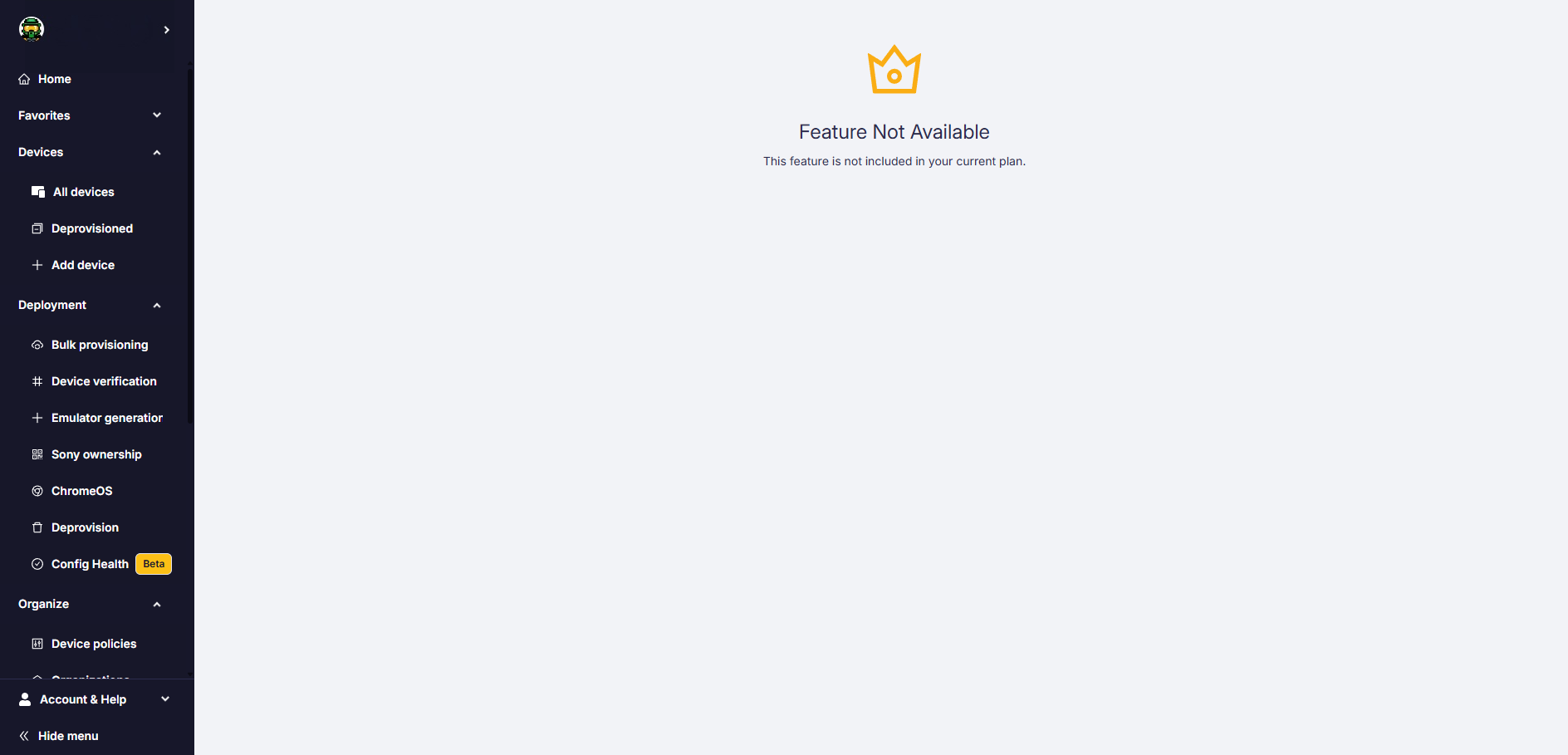
Features that are available but not included in your active plan are marked with a 👑 crown icon. You can still see these features and what they do - the crown simply indicates they belong to a higher-tier plan or an add-on package.
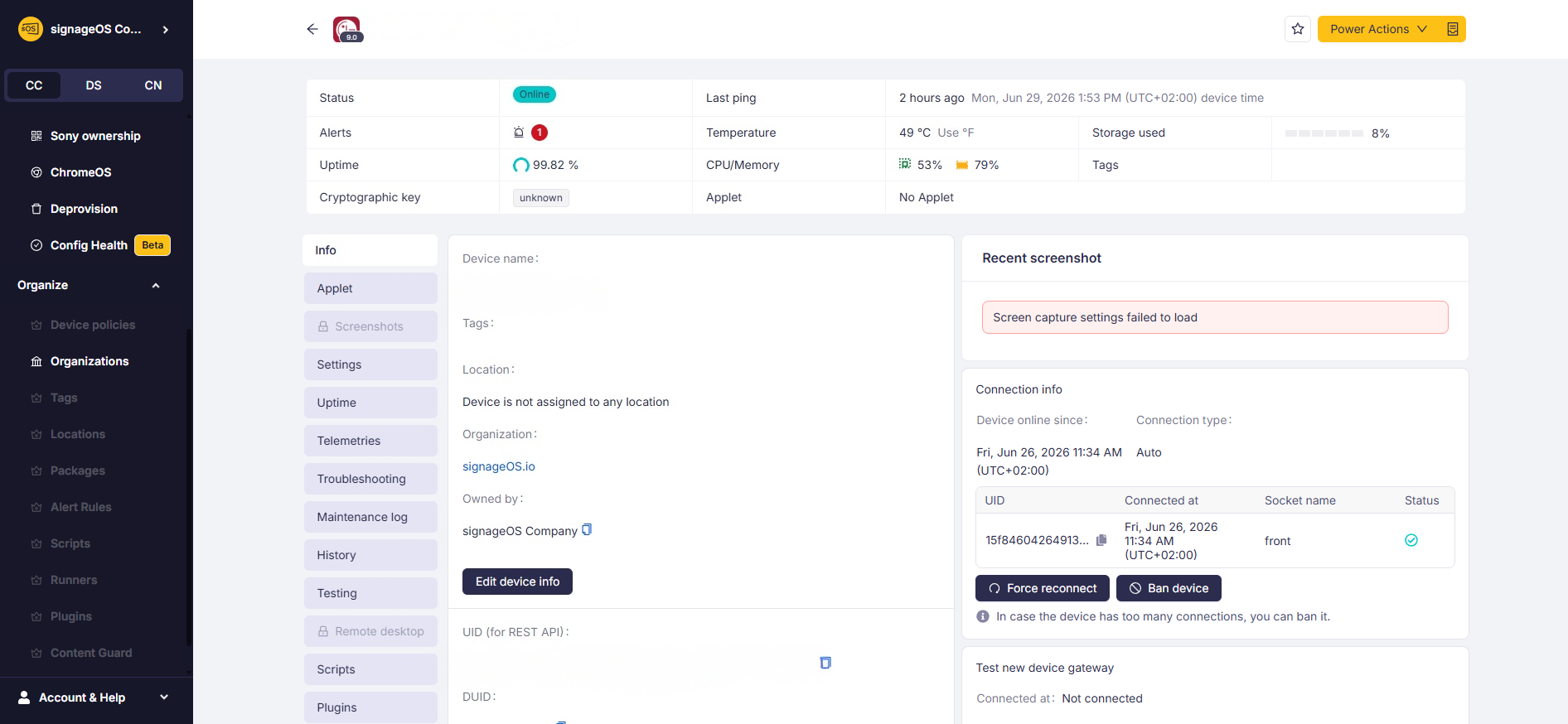
Opening a feature that is not part of your plan shows a Feature Not Available screen.
If you would like to unlock a feature, contact your Account Manager or reach out to support to discuss plan options, trials, or upgrades.
How to set a Device Plan to Organization
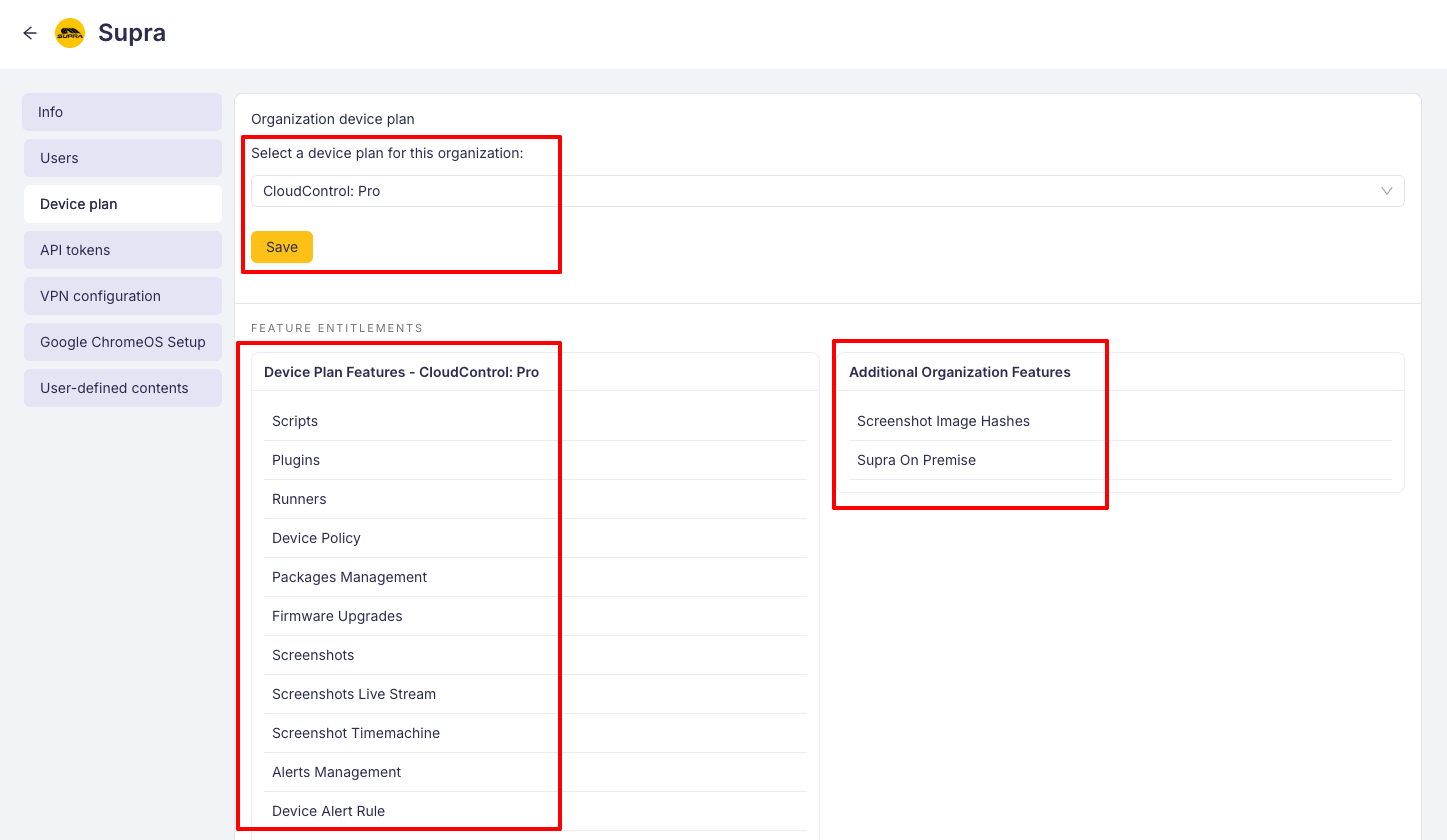
Device Plans are assigned to Organizations. Each of your Organizations can run on any of the available Device plan. Switching Device Plan affects the billing at the end of the month.
- 1
Navigate to Organization page
- 2
Select Device Plan tab
- 3
Change Organization's plan to any of the available device plan
Important information
- You can change the Device Plan on the Organization page in Box.
- You can upgrade anytime to a higher Device Plan and get instantly new features
- You can downgrade anytime to a lower Device Plan, but the change will apply from the first day of the next month
See available Device Plans on our Pricing page.
Default Device Plan
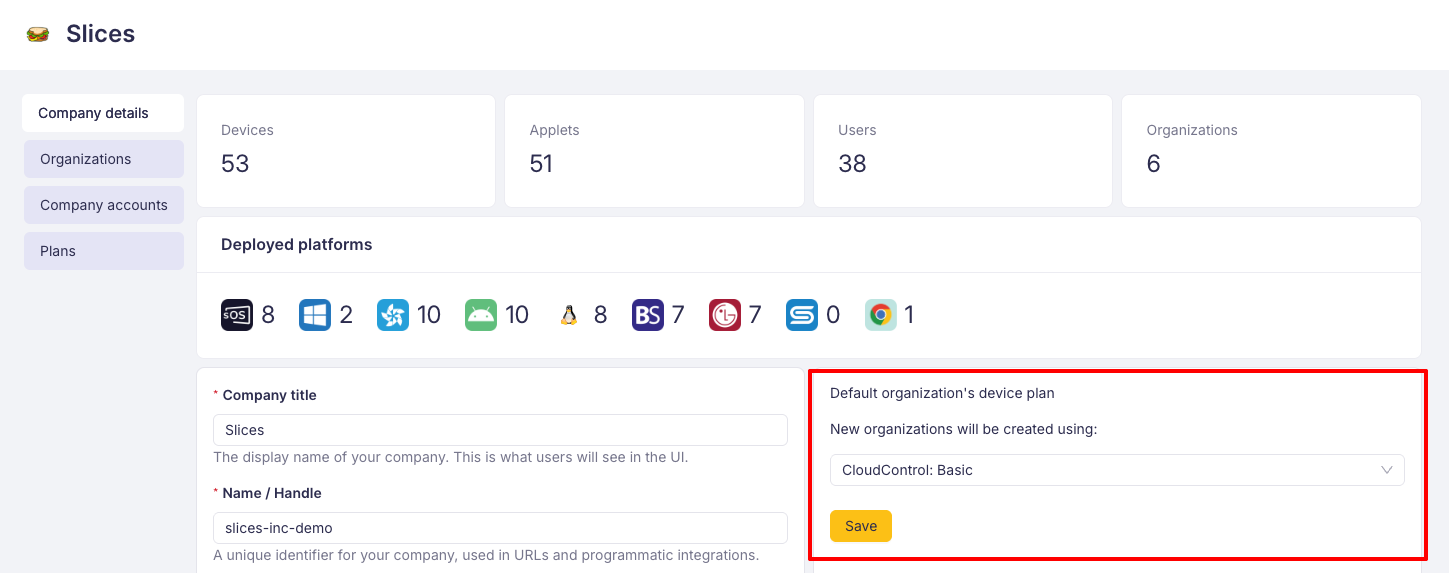
By default, each Organization is created with Device Plan Pro. You can change to the different default Device Plan in Box, under your Company profile.
- Sign in to Box
- Navigate to Company settings
- Select the default Device Plan
Billing
You are billed at the end of the month based on the number of devices in Organizations and their respective Device Plans. Highest number of devices in a given month counts.