Introduction to Device Policy
Device Policy is only available for devices using Device Plan Pro and higher.
Device policies are synced with devices approximately every 2–7 minutes. Applet, Plugin, and Runner changes are propagated within this interval.
What is the Device Policy
- Device Policy is a preset of settings and device configuration.
- You can automatically apply a Device Policy during provisioning.
- Device Policy governs devices at scale, ensuring all are set and configured correctly.
- Offline policy enforcement — even without network access, the device enforces the policy locally.
- You can create alerts for Device Policy violations.
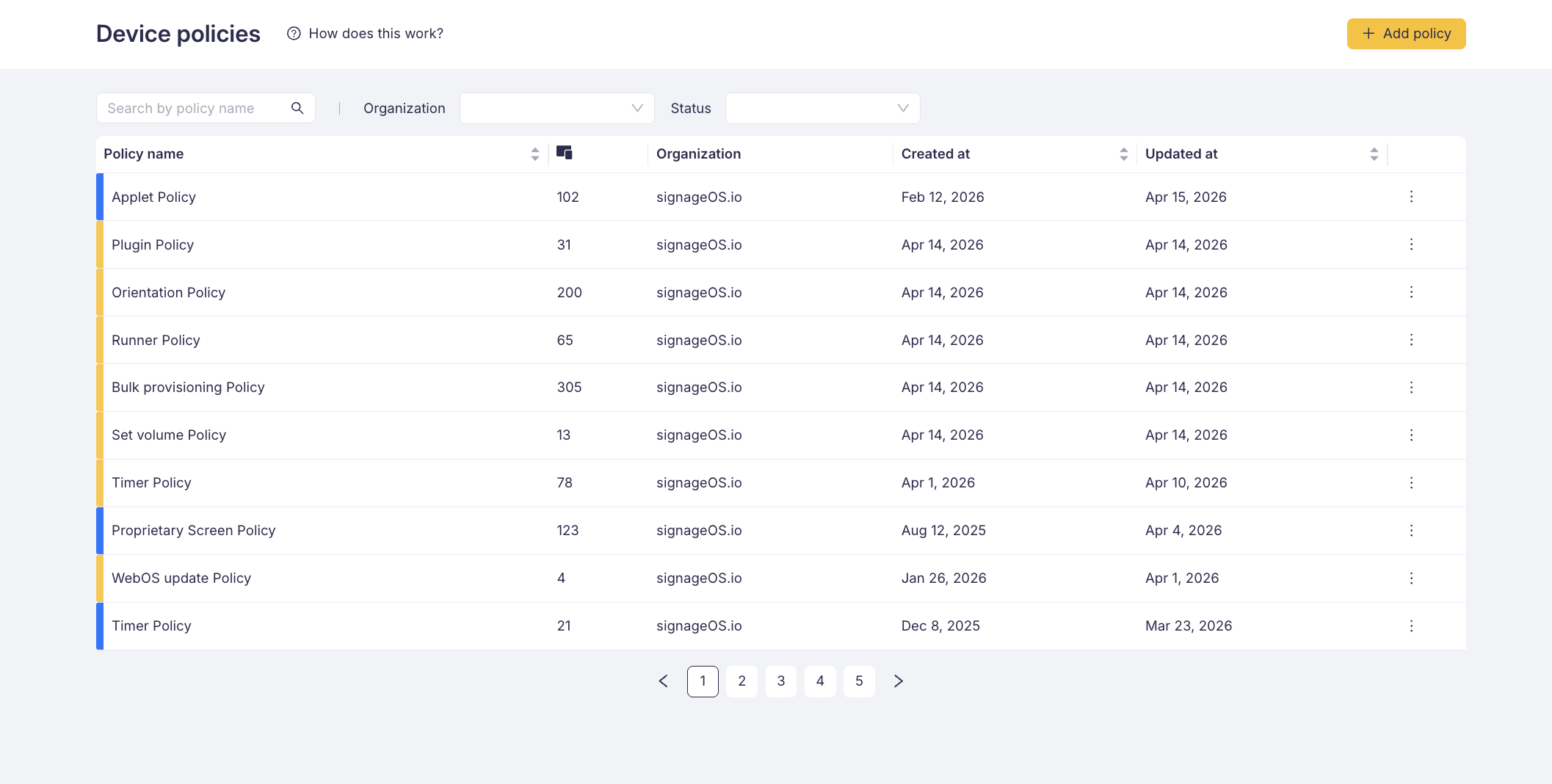
Device Policy allows you to create a set of settings (brightness, volume, timers, Core App version, feature flags, applets, plugins, runners, and more) and apply this set of settings to any number of devices.
Once the Device Policy is applied to the device, it's automatically enforced locally on device and also from the cloud. Any change to the Device Policy will be propagated to all devices using such policy.
Example use case
There is a network of 500 window-facing high brightness displays. According to municipality regulations, such displays have to lower the brightness during the night.
You can create a new Device Policy, which includes a Brightness schedule — setting brightness to 100 % at 9:00 AM and lowering the brightness to 30 % at 7:00 PM.
If the device brightness differs from the Device Policy settings, it's automatically corrected to the desired value. This correction works regardless of the device connectivity.
By using the Device Policy, you can ensure smooth network operation with automated repair and consistent settings.
Key features
- Device Policy works offline — the set of rules is deployed locally on the device and the device itself governs its state
- Device Policy works across all supported devices
- Applet, Plugin, and Runner management — assign and configure applets, plugins, and runners at scale
- Feature flags — enable or disable device capabilities such as screenshot capture, custom scripts, plugins, runners, system logs, and telemetry collection
- Scheduled actions — configure power timers and scheduled reboots
- Platform-specific settings — set Core App versions and firmware per platform
- Package management — install Android packages across your fleet
- History log — full audit trail of every change made to the policy