Add new Organization in Box
In order to create a new organization please follow the steps
- Go to the Add organization section in the left panel
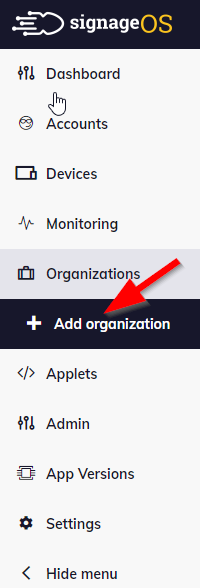
-
In the main window, create the Title for your new Organization. The Organization name will be the same as its title by default (it’s created and assigned automatically to the Organization).
-
If you have more than one Company, please choose the proper one from the dropdown menu.
-
Select your preferred Device Plan, which will determine the level of functionality and remote device management for all devices under the newly created Organization.
After that press the button 'Create organization'
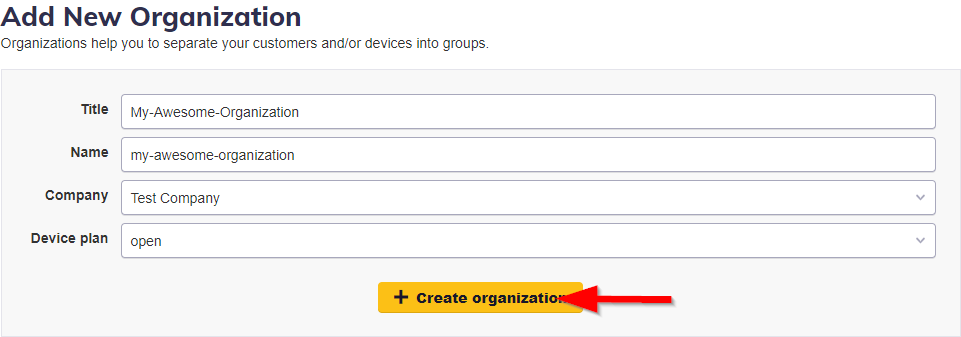
Here you go, your new organization is created. :) The new organization is displayed on the organizations list

The new organization can be created via REST API as well. More information can be found in our documentation repository on how to create organization.