Alert rules setup
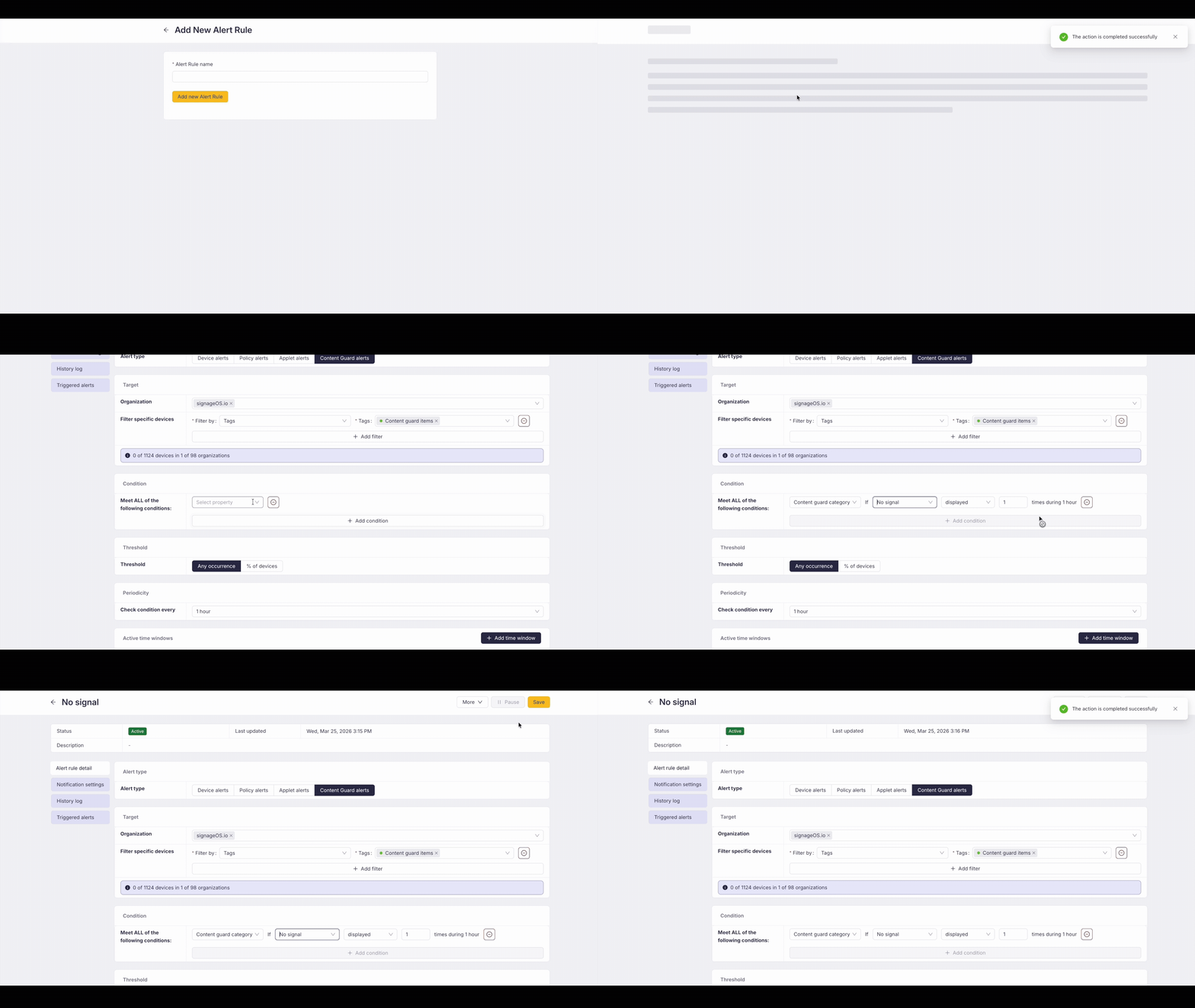
Connecting Content Guard to the Alert Manager is the key to automation. In the Alert Rules section, create a new rule of type Content Guard:
- Select Category: Choose one specific category (either your own or a system-managed one).
- Set frequency:
- „Displayed“: If your category (e.g., "Live Promo") does not appear at least once during 60 minutes, the system triggers an Alert. (Best for ensuring required content is running).
- „Not displayed“: If the category (e.g., "Blank Screen") appears 1x (or more) during 60 minutes, the system triggers an Alert. (Best for instant error detection).
Monitoring & Tag management
In the Monitoring Dashboard, you will see your Content Guard categories and their validity (green/red tags) directly on the screenshot thumbnails.
In the Tag Management section, you will also find a Content Guard Usage counter for every tag. This shows you exactly how many detection items (Hashes or Prompts) are currently using that specific tag, helping you avoid accidental deletions of active monitoring rules.