Content Guard: User guide
Content Guard is your automated content watchdog. Using advanced image analysis and Artificial Intelligence, it constantly monitors screenshots from your devices and automatically classifies them into categories. If it detects an error or prohibited content, it notifies you instantly.
Core concepts
Before you start monitoring, it is important to understand three basic terms:
-
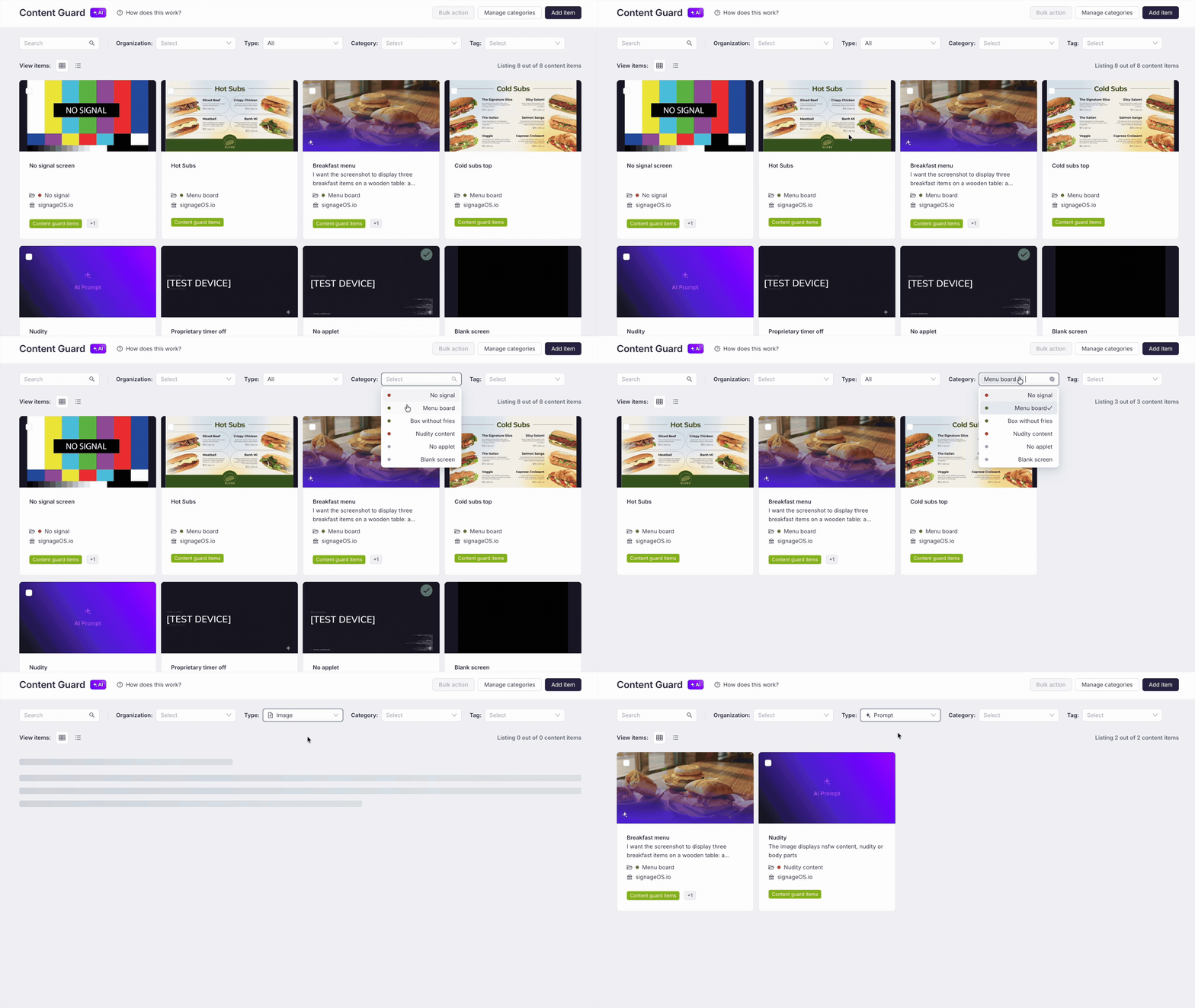
Category: A label that defines the status of the content (e.g., "Menu Board" or "Error"). Categories are classified as either:
- Desired Content (indicated by a green badge dot): Represents content that should be displayed.
- Undesired Content (indicated by a red badge dot): Represents an issue or prohibited content.
-
Item: A specific rule or reference image (Image or Prompt) used by the engine to recognize content.
-
Alert Rule: The logic that triggers a notification when a category dislayed or not displayed.
Supported Platforms
AI ContentGuard works across all major platforms supported by signageOS:
| Platform | Version |
|---|---|
| Android | 4.14.6 |
| Tizen | 2.11.1 |
| WebOS | 2.10.2 |
| Brightsign | 2.4.1 |
| Linux | 2.7.0 |
Check out our interactive Onboarding Tour directly in the app (click the question mark How does it work?). It will walk you through the setup step-by-step!