Device Connection Type
For older devices specifically Tizen 2.4, using a WebSocket for connection the display might show a dialogue box notifying the user of certificate expiration - this option has to be dismissed manually
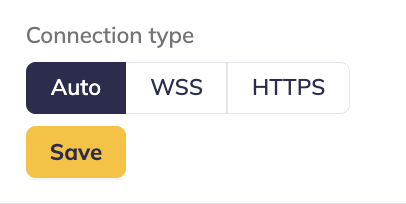
By default, signageOS is using secured WebSockets to connect devices with the signageOS Cloud. In some cases, WebSockets might be blocked by the firewall or proxy setup. To address that, signageOS provides alternative connections based on HTTPS requests.
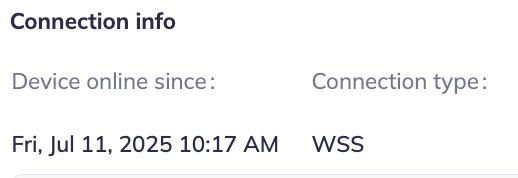
On the device detail page, Connection Info section, you can review the current connection type your device is using.
Options
Auto - refers to WebSockets, it's the default and recommended connection type
HTTP - refers to HTTPS requests
WSS - refers to WebSocket requests
HTTP option might affect the responsiveness of some actions, but it is not limiting the device management functionality.
Connections
Connections table lists active device connection between signageOS application on device and signageOS cloud.
Device running CoreApp keep 2 websocket connections. Devices running CloudControl keep 1 connection.
In rare cases - such as unexpected device reboot or poor network connectivity - you can see temporarily up to 5 devices connections. If the list of connections keeps expanding or connections rotate frequently (e.g. every minute) you can temporarily ban the device and contact signageOS support for assistance.