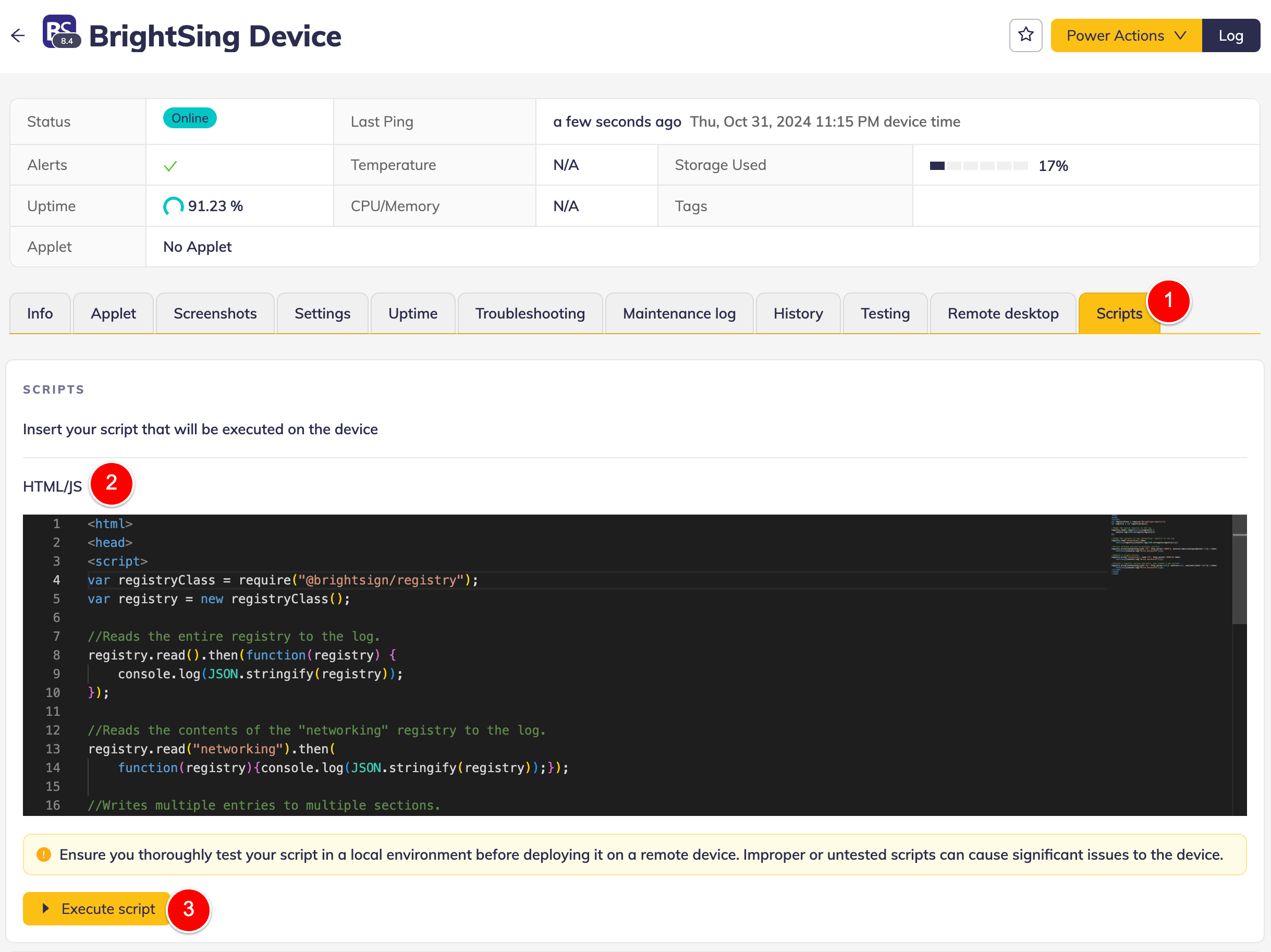
Scripts
warning
This is an expert-level functionality
Misuse of Scripts can cause issues, including device misconfiguration, device disconnection, or other unforeseeable situations.
Use this feature wisely and always test your scripts in lab before running them on production devices.
Scripts allow users to send custom scripts in operating-system-specific programming languages. The script can use device-specific native APIs.
| Operating system | Script type |
|---|---|
| Tizen | HTML + JS + Tizen APIs |
| webOS | HTML + JS + webOS APIs |
| BrightSign | HTML + JS + BrightSign JS APIs |
| Linux | Shell script |
| Windows | PowerShell |
| Android | Not supported, yet |
| ChromeOS | Not supported, yet |
Scripts can be used in some of the following scenarios:
- perform device-specific action that is not natively supported by signageOS (e.g.: install linux drivers)
- retrieve custom telemetry that is not reported or you need immediate value (e.g.: current state of linked linux repositories)
Where to find Scripts
Scripts are located on a Scripts tab on device detail page.