How to invite New User into Company and Organization
To manage larger device networks you usually need more then one user account. You - Company Owner, Company Manager - can invite more people into your Company and Organizations and precisely define the level of access for the newly invited users.
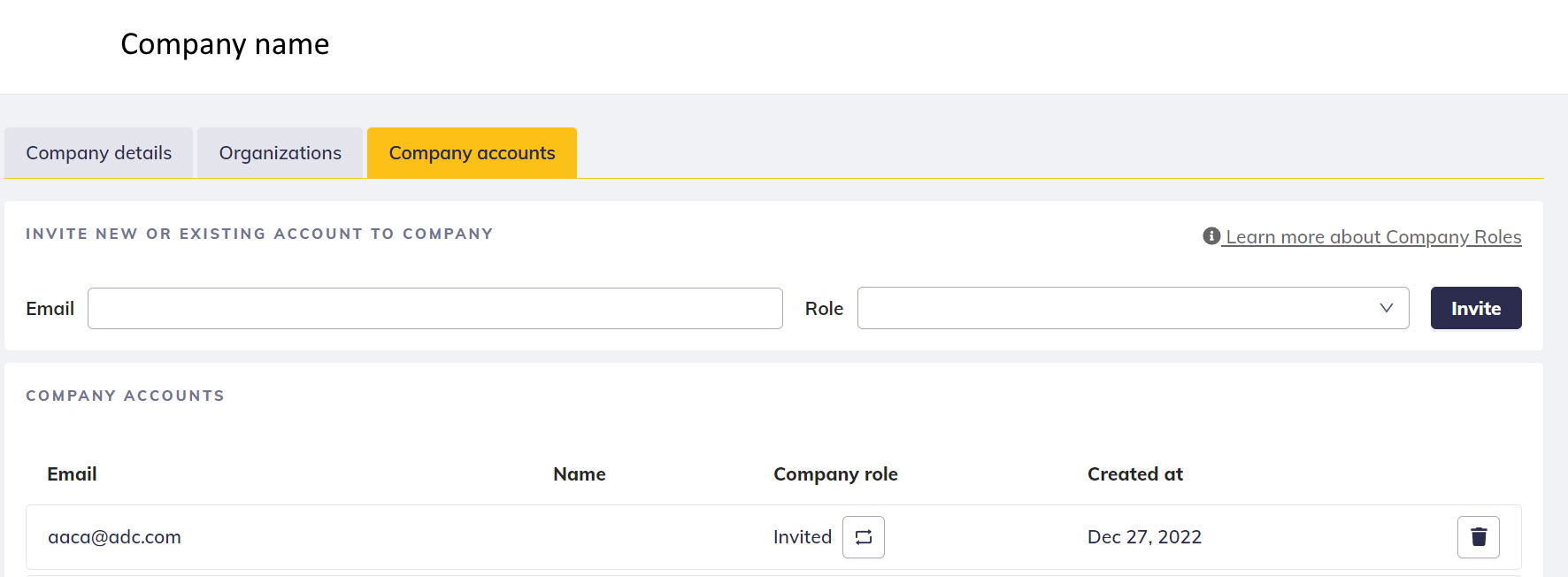
Invite users into your Company
On the Company profile page is an option to invite new users into your Company. The invitation is sent over the email. At the time of sending out the invitation you already define the User Role for the newly created user.
User Roles in Company:
| Role | Short description |
| Company Owner | Super administrator of the whole Company and all of Organizations. Responsible for billing. |
| Company Manager | Admin account within Company with access to all Organizations |
| Company User | Standard user withing the Company with access to only specifically assigned Organizations. |
Roles in detail are described here.
Invite users into your Organization(s)
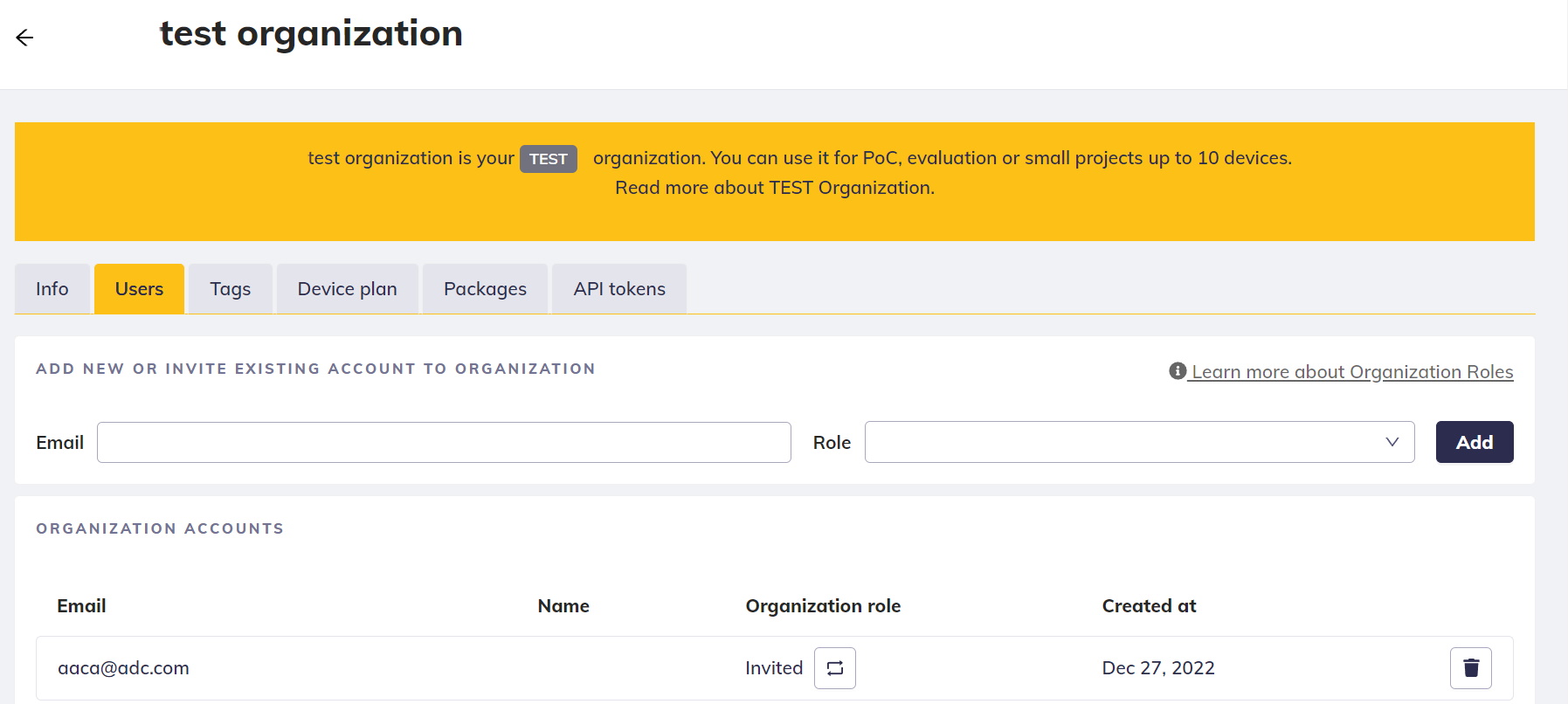
To give your Company Users access to the devices, you have to invite them to Organization manually. This is a security element to prevent any undesired access.
While inviting Company User to the Organization, you can add him/her a Organization-specific Role
Organization-specifc User Roles:
| Role | Description |
| Organization Manager | Can manage all devices, view users and tags |
| Organization User | Can manage devices and use tags |
Roles in detail are described here.
Changing User Role
To change User Role, navigate to the Organization Detail page or the Company Detail Page and select the new Role from the dropdown menu.

Important remarks
- Company User does NOT have access to ANY Organization unless you invite him/her into
- Any user invited to the Organization is automatically added to the Company as Company User
Common use cases
Add end-user to a single Organization
This use case describes how to restrict a user’s access to devices by adding them to a specific organization within a company. Initially, the user is given a 'Guest' role in the company. Then, they are assigned either a 'User' or 'Manager' role in the desired organization.
How to:
To limit a user's access to devices within a specific organization, follow these steps:
- Invite the user to your company and assign them the role of 'Guest.'
- Go to the desired organization and add the user to it with the role of either 'User' or 'Manager.'