BrightSign: Enable Local DWS Access
With BrightSign firmware 9.0.218+ and 9.1.75+, the DWS is disabled by default. To enable it, use BrightAuthor:connected or a local BrightScript.
We have created a quick BrightScript, which will enable local DWS on the device.
Enabling via a script
- Download the
dws_enable_autorun.brsvia this link - Rename the file to
autorun.brs - Put the file into the root directory of the device's SD card
- Reboot the device
- The script will enable DWS on the device with the default credentials
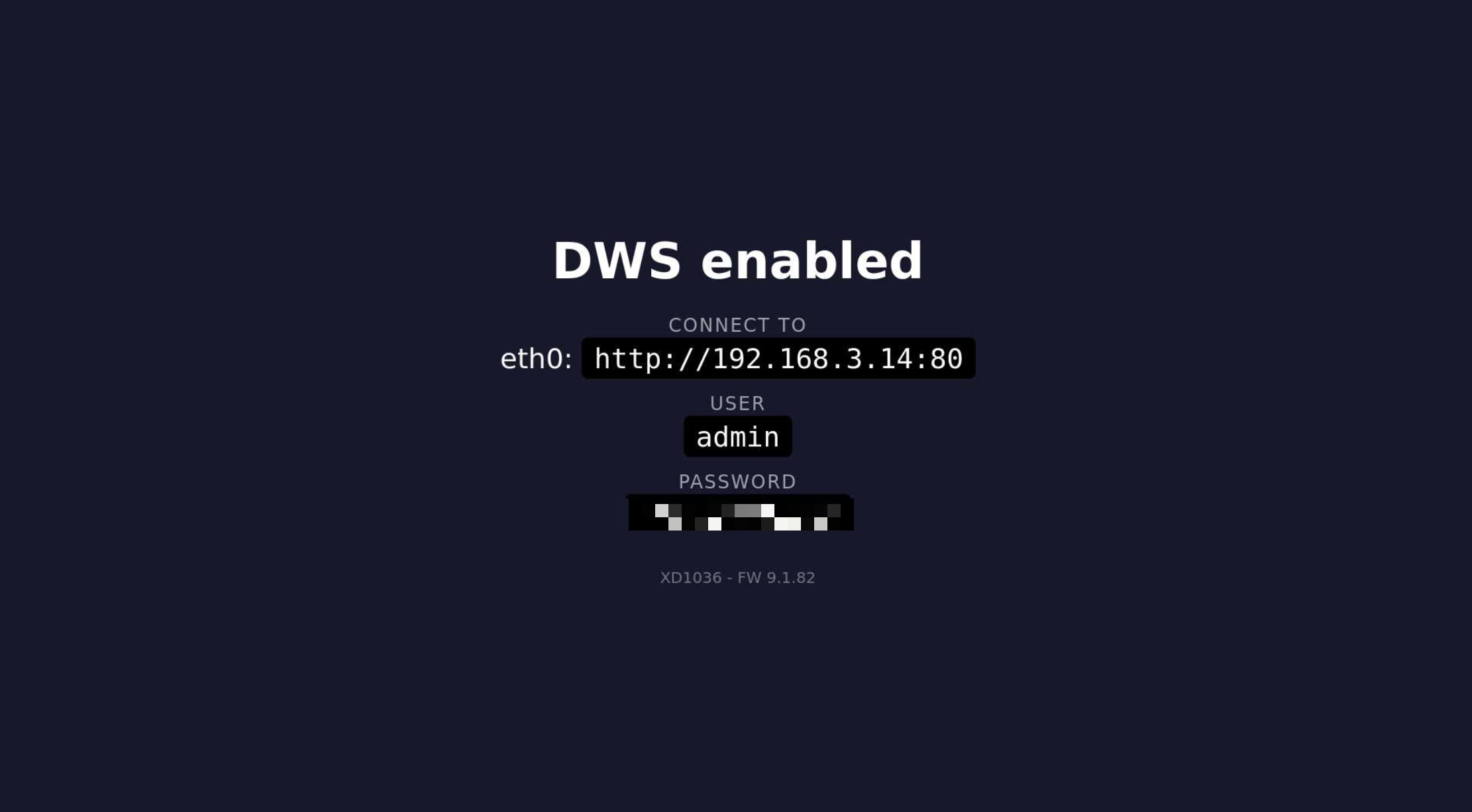
admin:<serial_number>. - When DWS is enabled, the device will show login details on the screen.
- You can now access the DWS via
http://<device_ip>:80 - Finally, you can delete the
autorun.brsanddws_status.htmlfiles from the SD card of the device.
Disabling
To disable local DWS on the device, you need to rewrite debug registry options:
-
Go to the device DWS settings.
-
Navigate to the Registry tab and insert additional values into the registry via the available text box and the Submit button.
registry delete networking http_server
registry delete networking dwse -
Restart the device and local DWS will be disabled.