How to connect BrightSign and BlueFin to WiFi
In order to connect the device with the BrightSign system, it is possible to edit the custom.brs file which is included in the provisioning package for the device.
note
How To Install SignageOS On BrightSign Display
1. Open the file custom.brs in your favorite code editor. 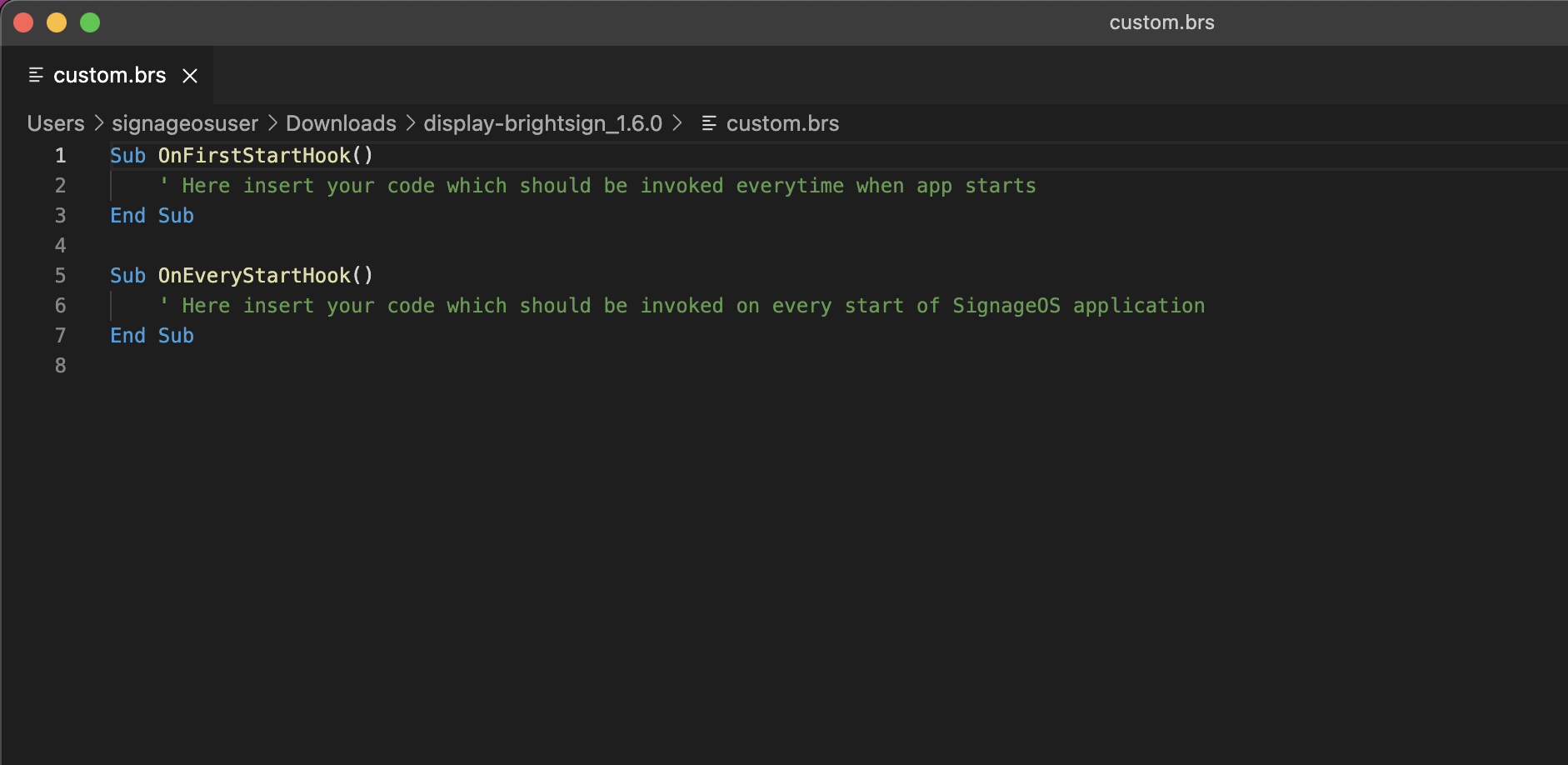
2. Under the OnEveryStartHook() method add this short piece of code with your WiFi details filled in
nc = CreateObject("roNetworkConfiguration", 1)

nc.SetWiFiSecurityMode("ccmp")

nc.SetWiFiESSID("yournetwork")

nc.SetWiFiPassphrase("password123")

nc.Apply()
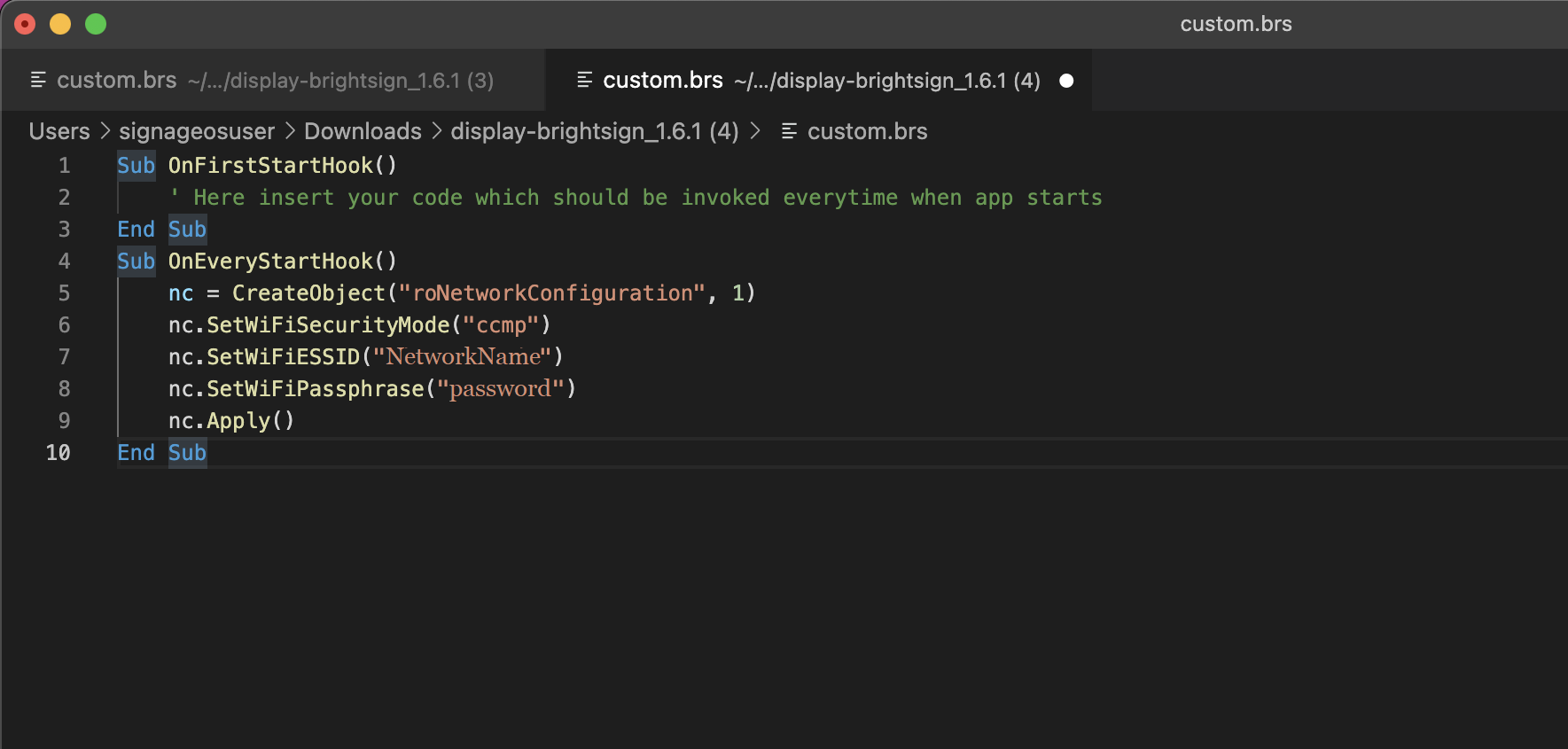
3. Save the file
4. Insert the card into the device with provisioning package
5. The device should connect to the network automatically