Giada factory reset
1. Press the wheel button on the mouse connected to the device
2. Choose option settings with a tool icon
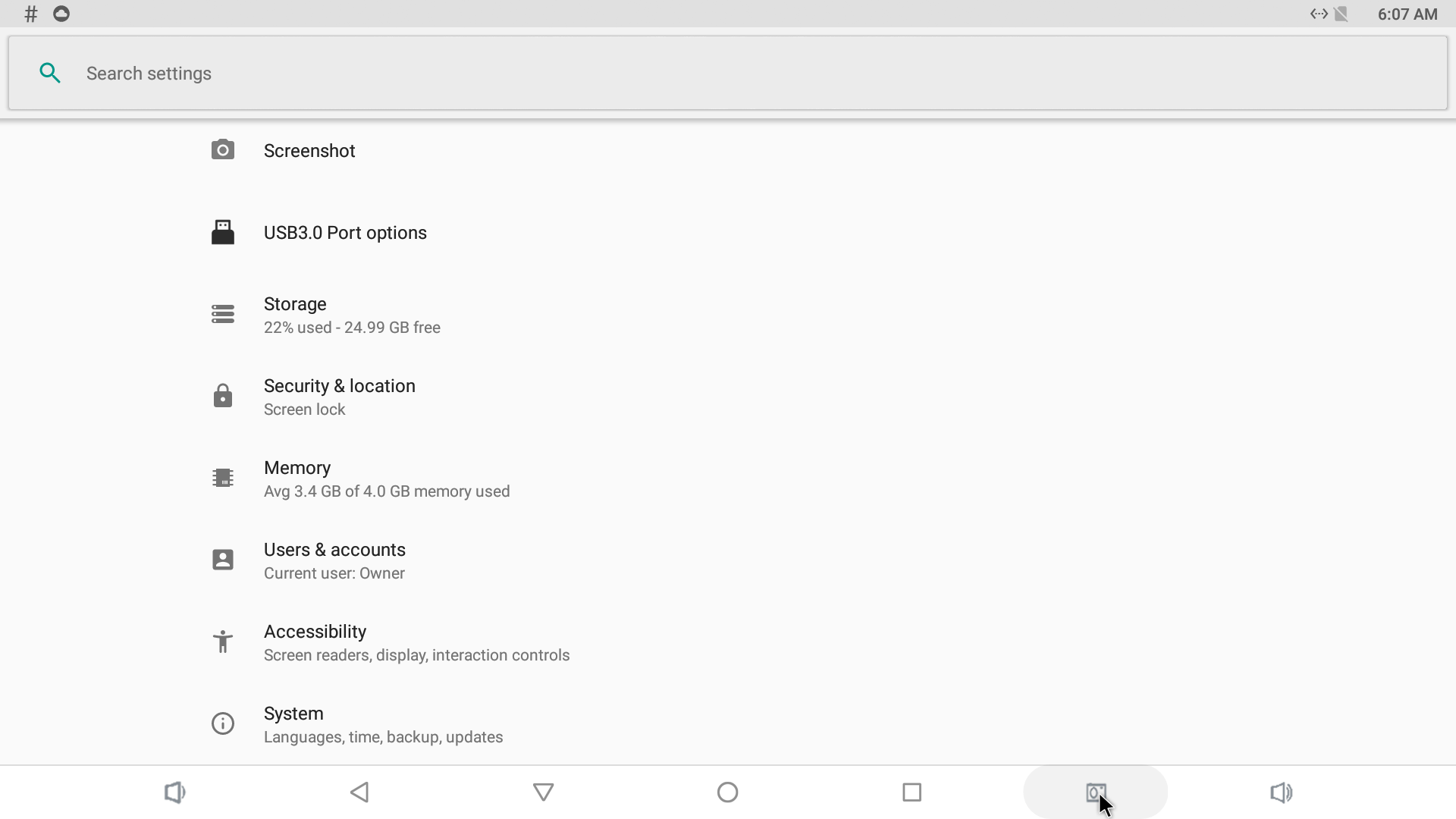
3. Scroll down to the bottom of the page to find an option called System
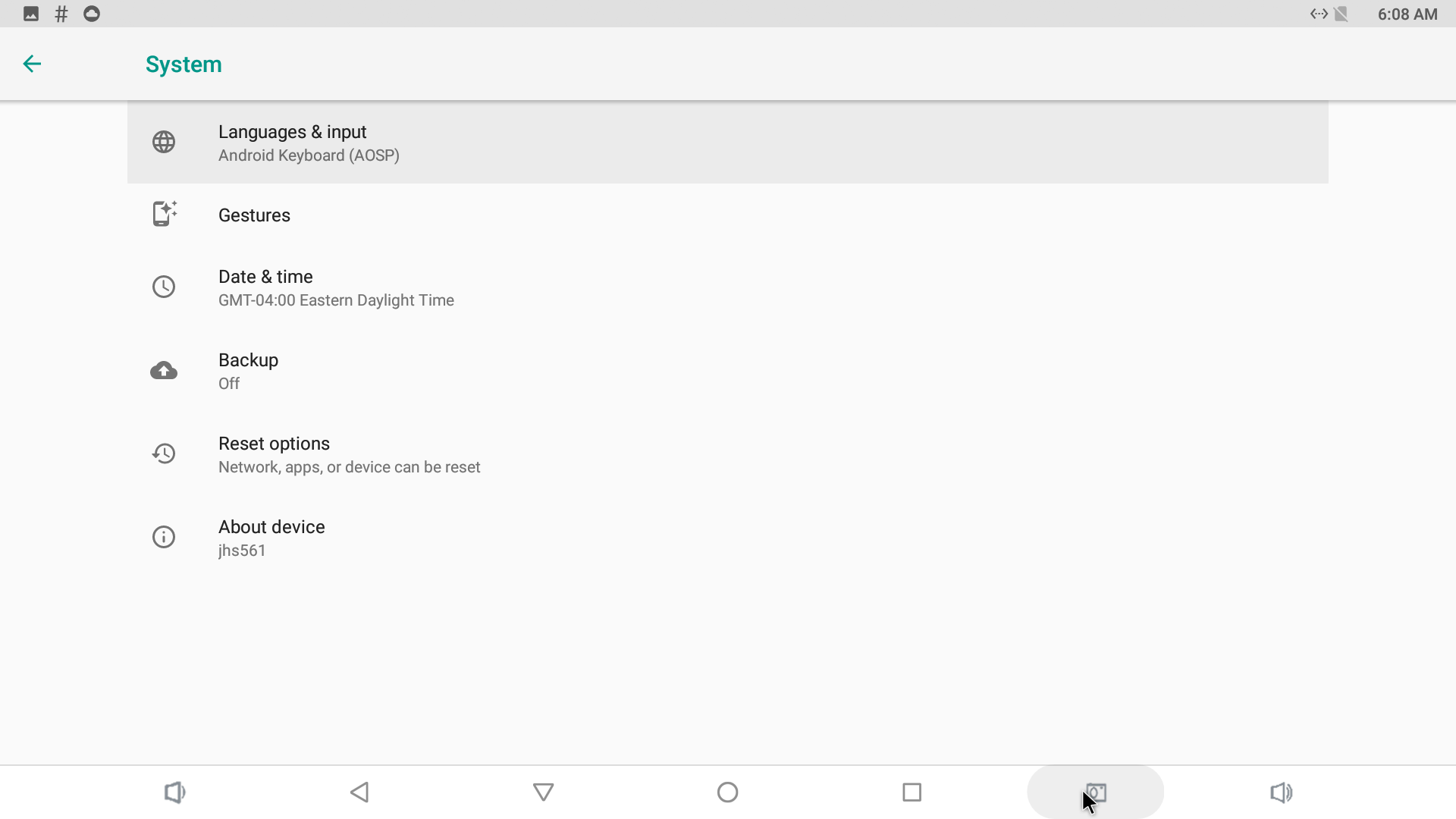
4. Find there an option called Reset options
5. Choose to Erase all data (factory reset)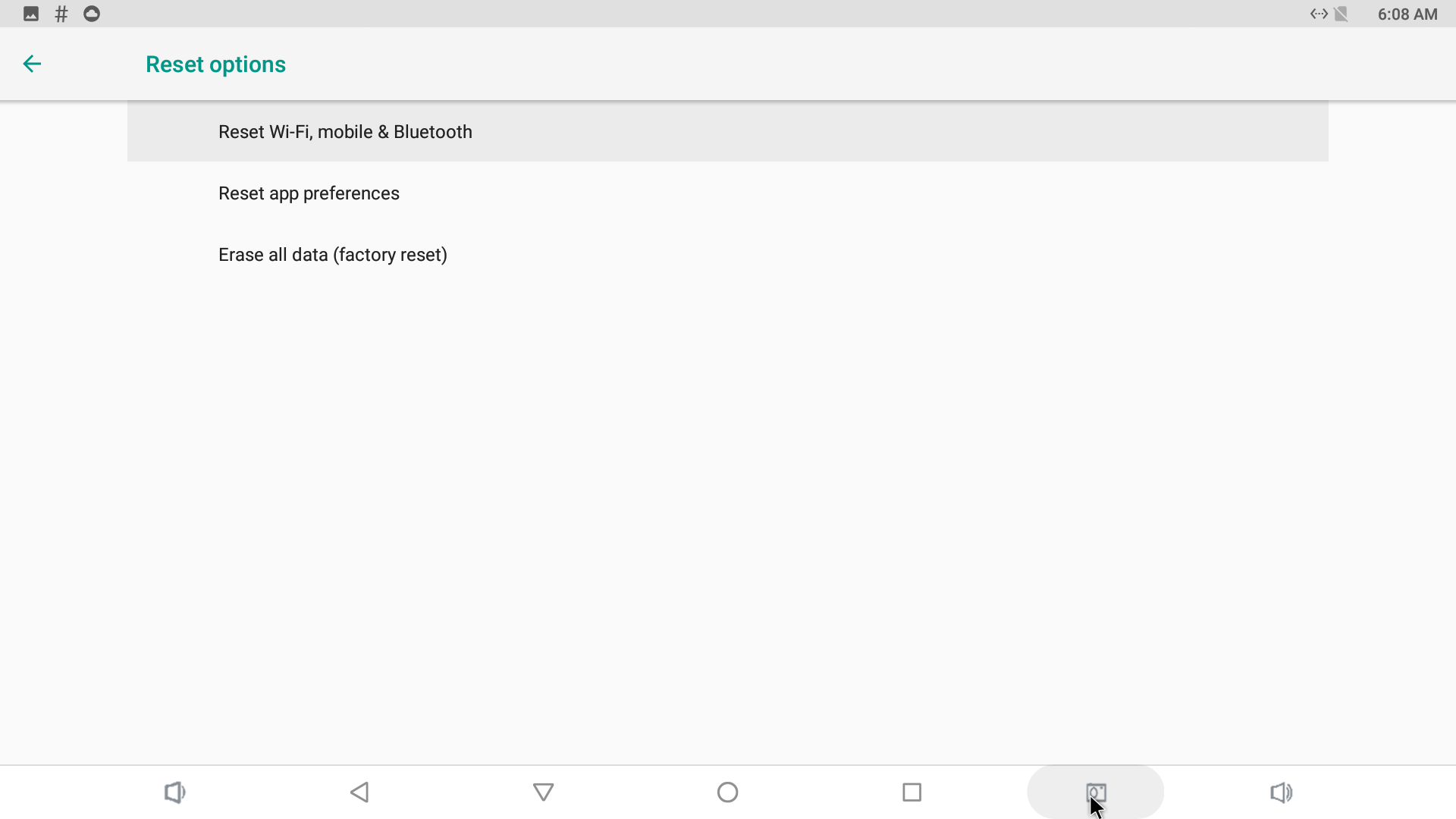
6. Confirm the reset
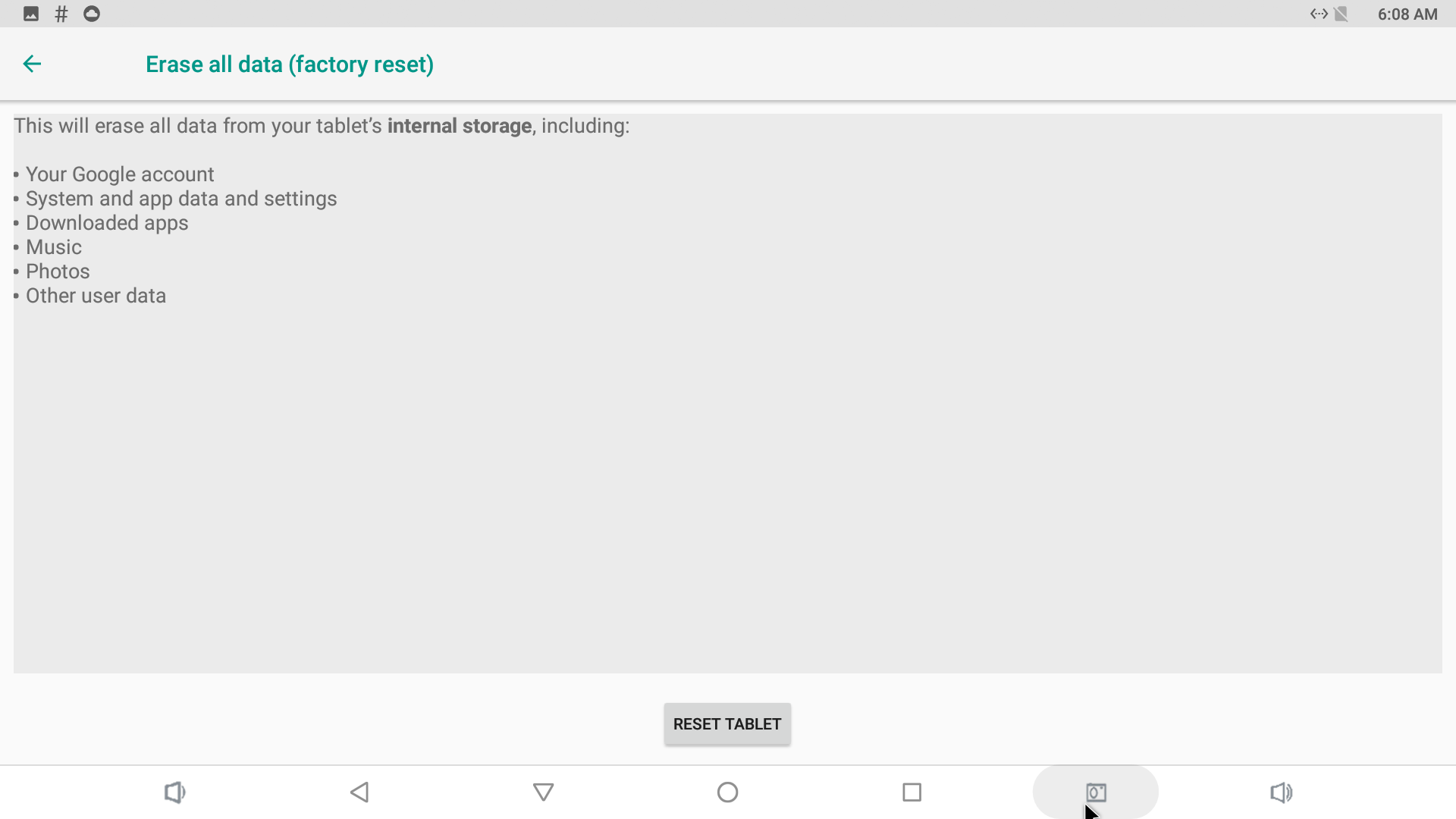
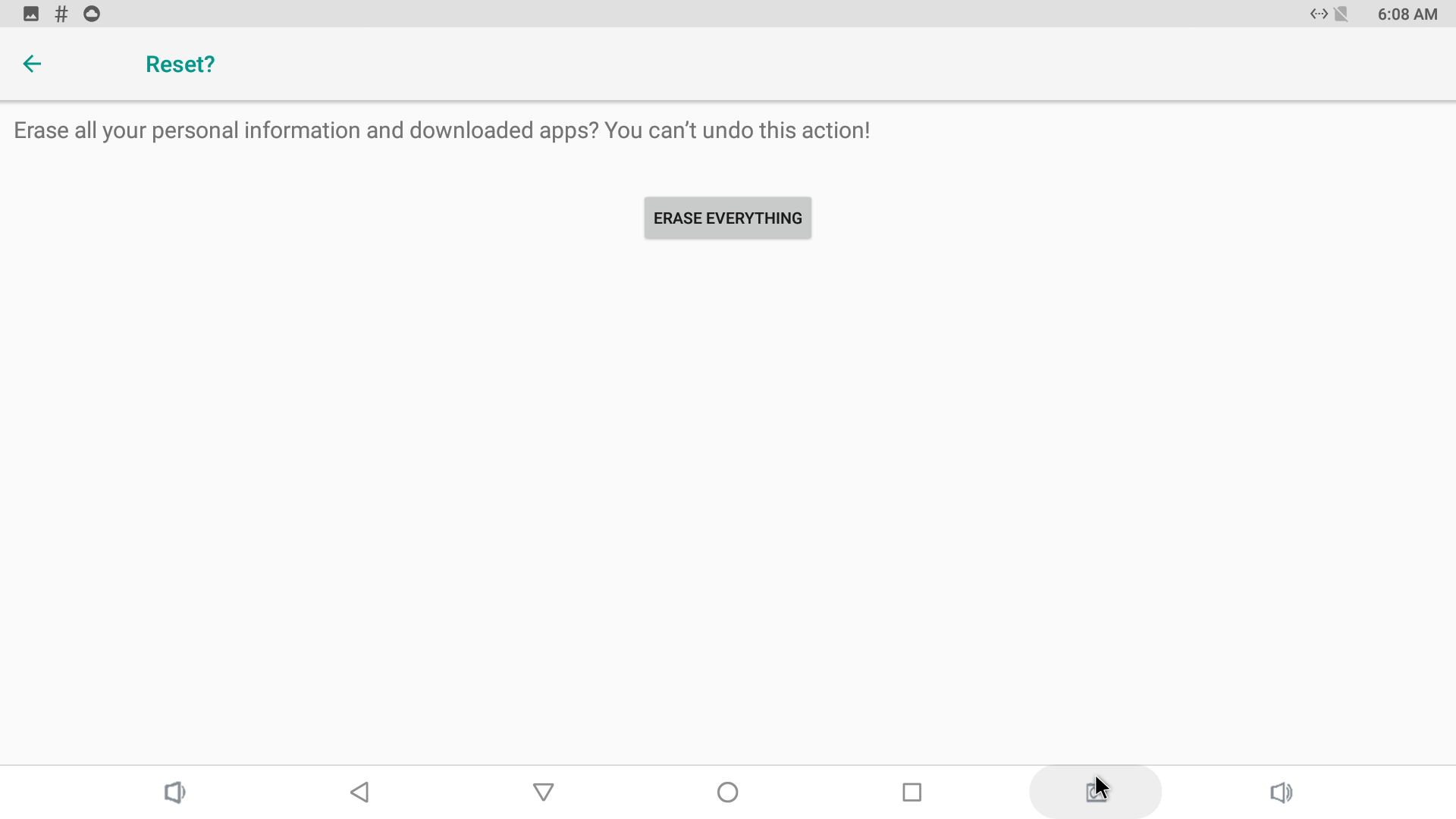
7. Device will reboot after few minutes with all data erased