Hisense Local Firmware Upgrade
DM Series Firmware Upgrade
USB Upgrade
- Download the zip file from a shared link.
- Unzip it until "XM_M966B_F.bin" file is visible.
- Copy the file to the root directory of a USB stick.
- Switch on the screen.
- Plug the USB stick into any USB ports of the screen.
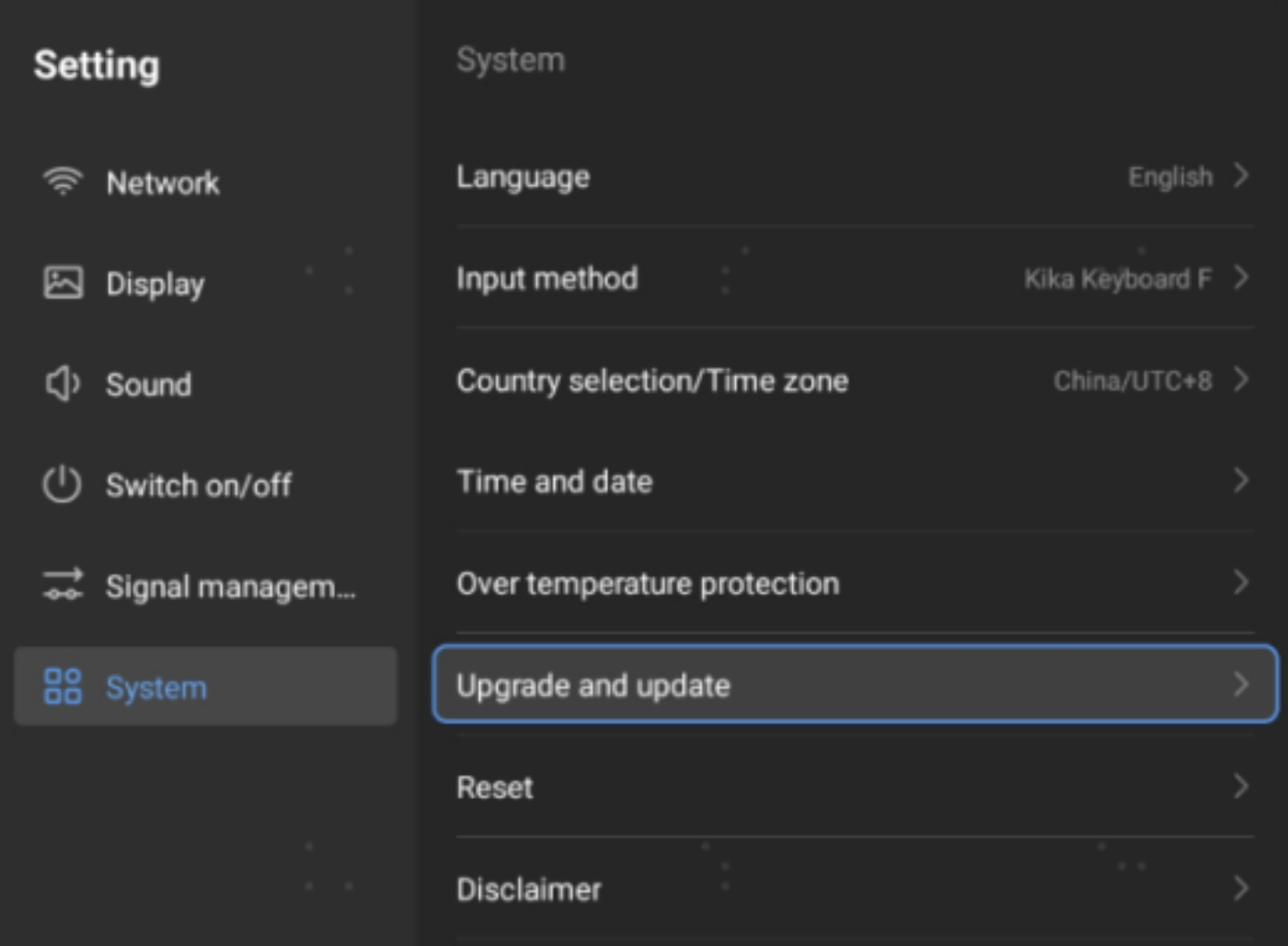
- Open “Setting” -> “System” -> “Upgrade and update”.
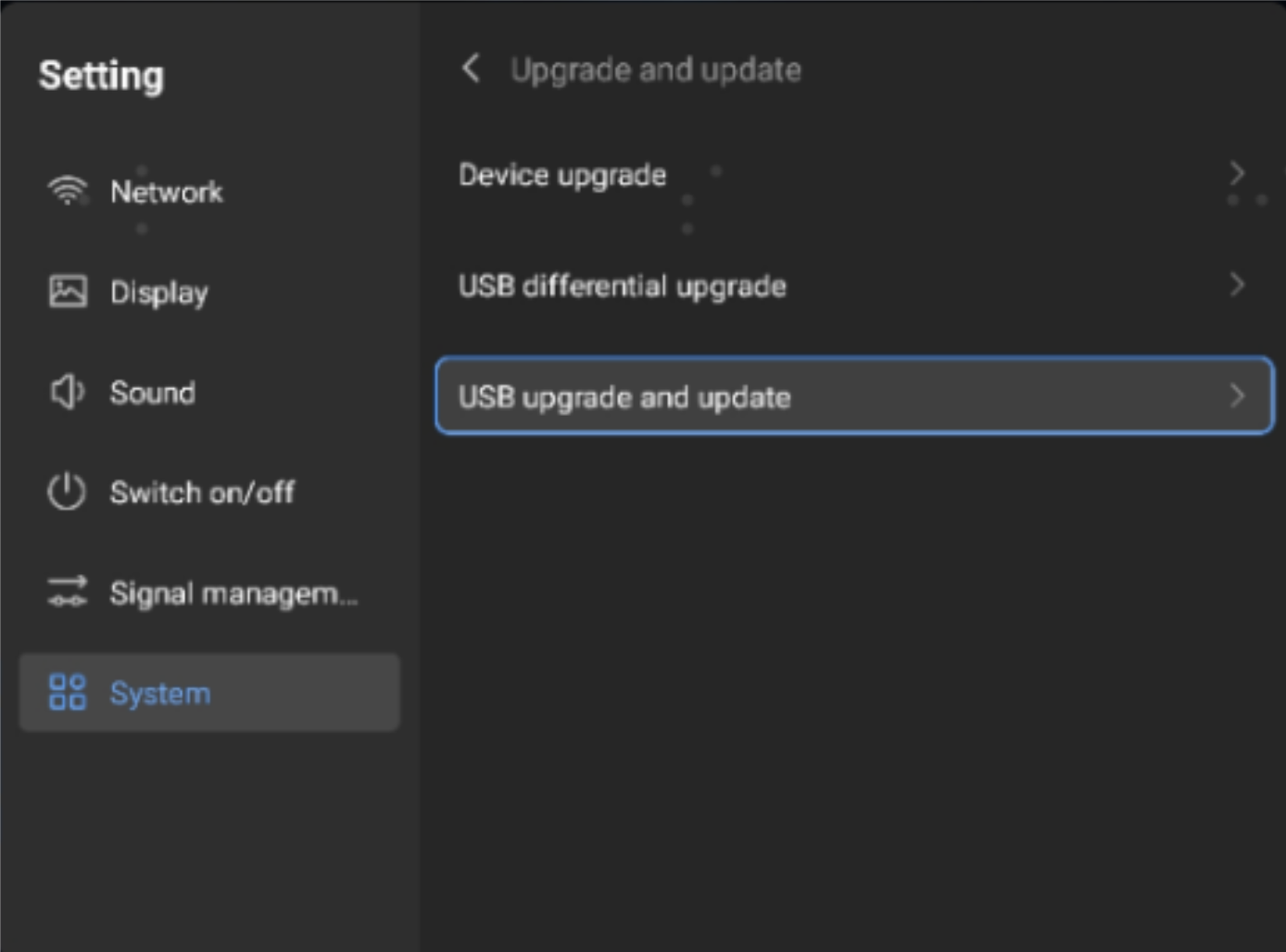
- Select “USB upgrade and update”.
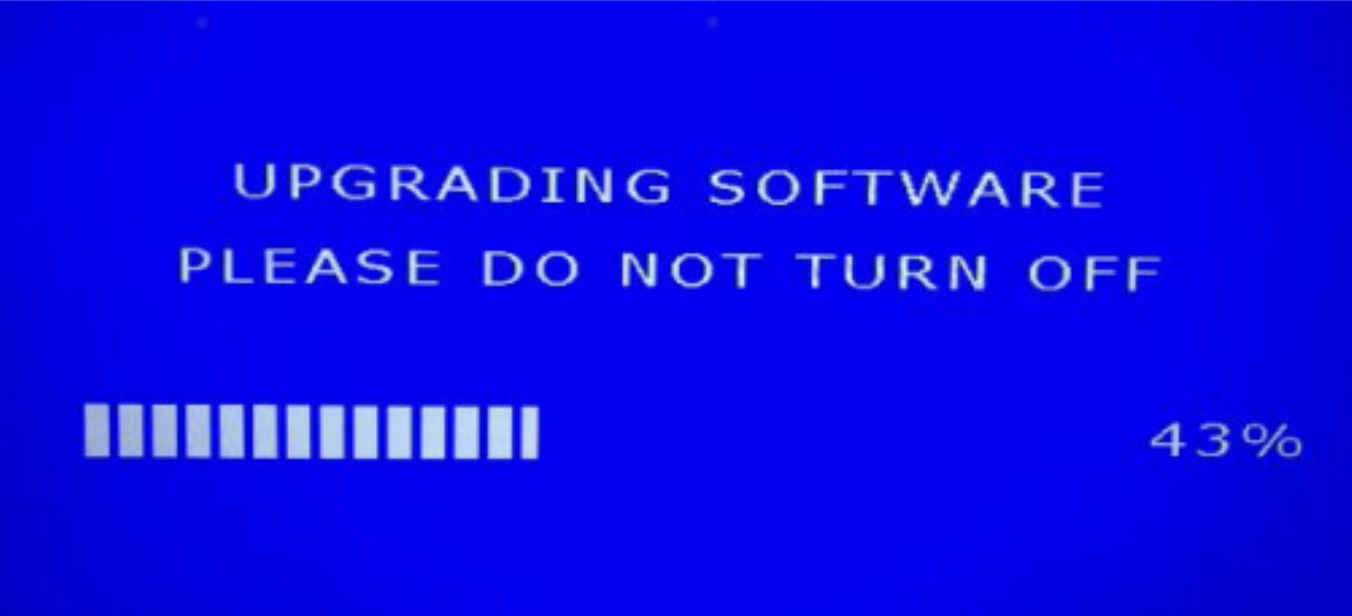
- FW upgrade process is initiated and the process bar is shown on the screen(when USB is not
connected, a warning message is showing).
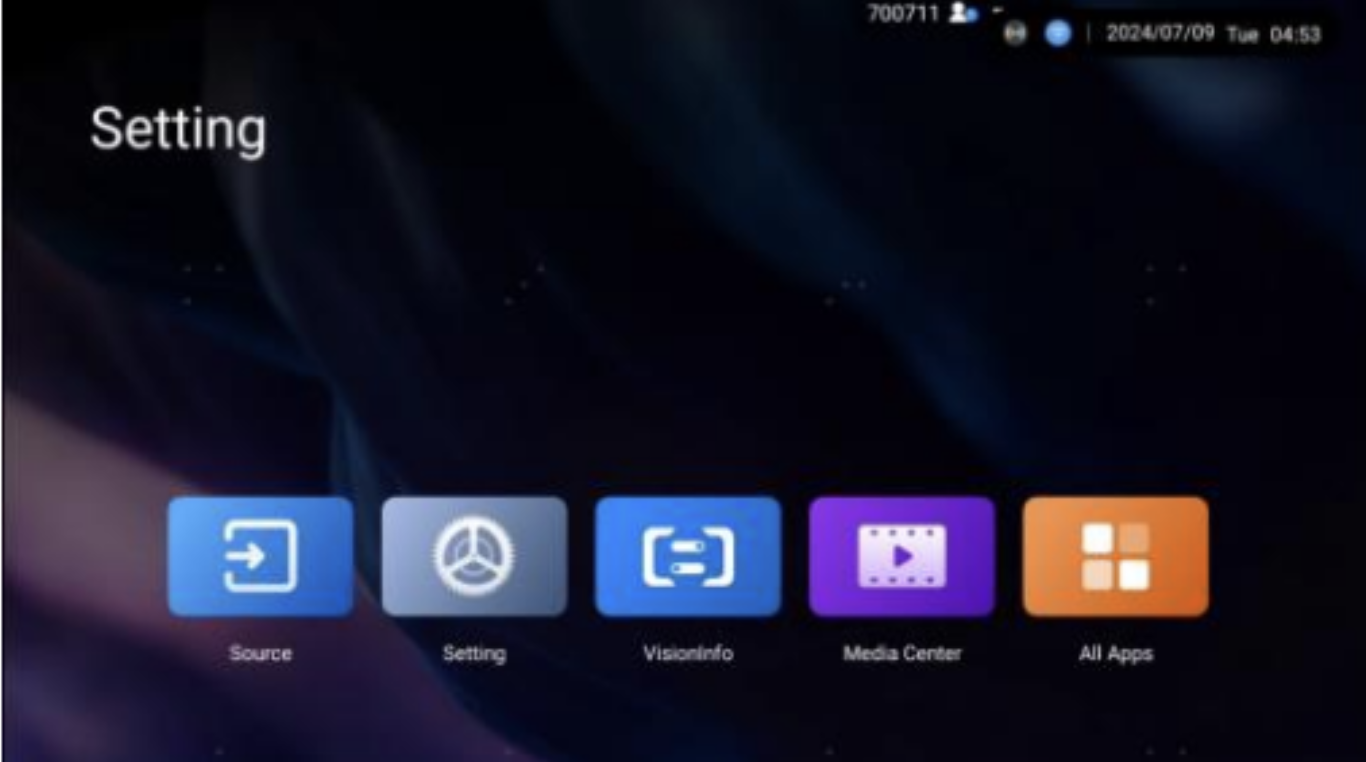
- The screen is rebooted after the installation of the FW is complete.
- Unplug the USB stick.