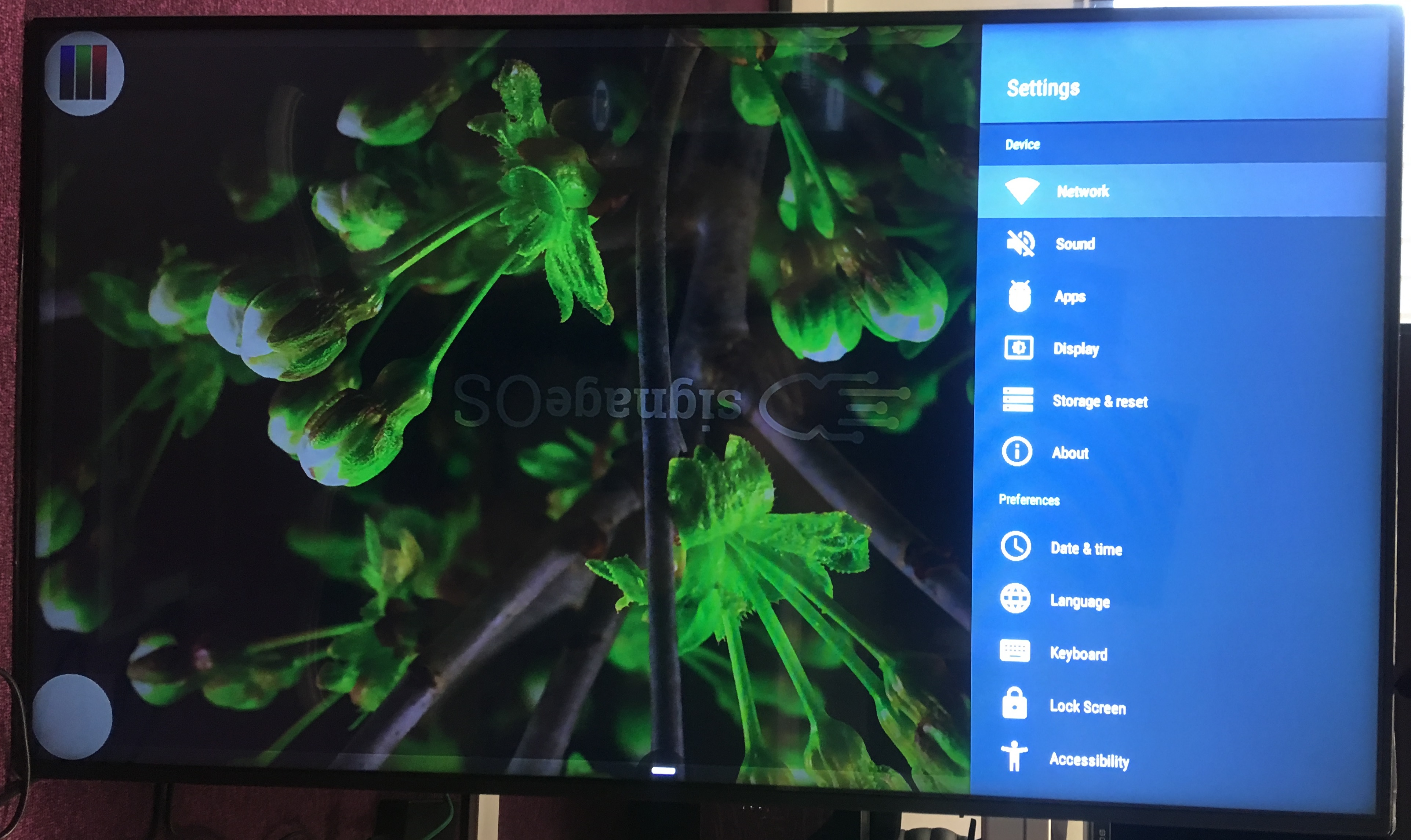
Vestel device Provisioning
info
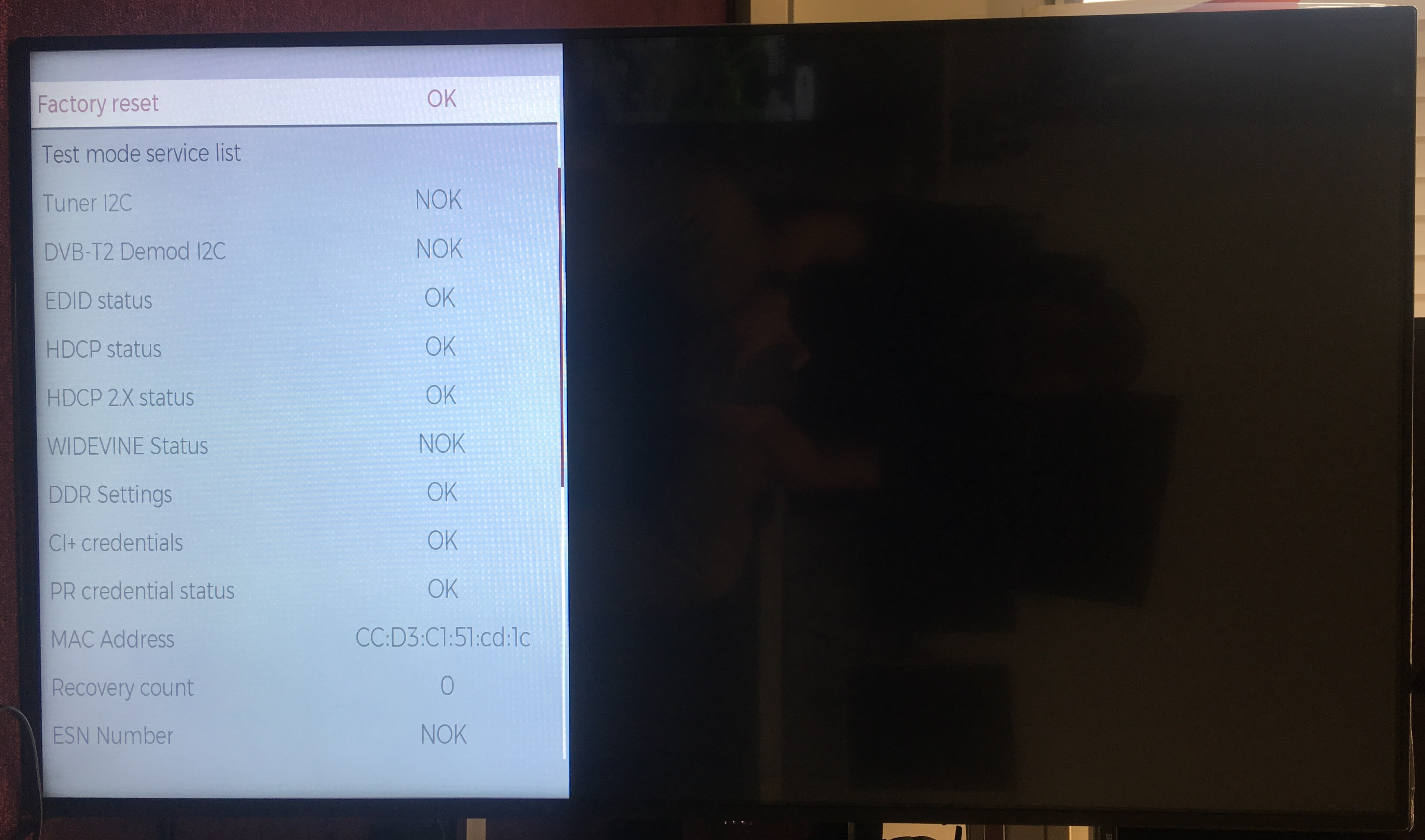
If necessary, you can access device operating system to perform OS factory reset. To access this menu on your remote control press MENU followed by code 4725. Keep in mind this is different from Android Factory reset which can be done through Android menu subsection, accessible through MENU button on your RC.
Factory reset of OS
- Press
MENUfollowed by code4725 - Select diagnostics
Initial setup
- Select language
- Select country
- Select time
- Select Continue
- Select Home App -> App Launcher
- Wait until the device is ready to be operated
- Connect USB flash drive with signageOS application
- Once the USB flash drive is connected, default file system will be displayed
- Back out and navigate to File Browser from Android menu
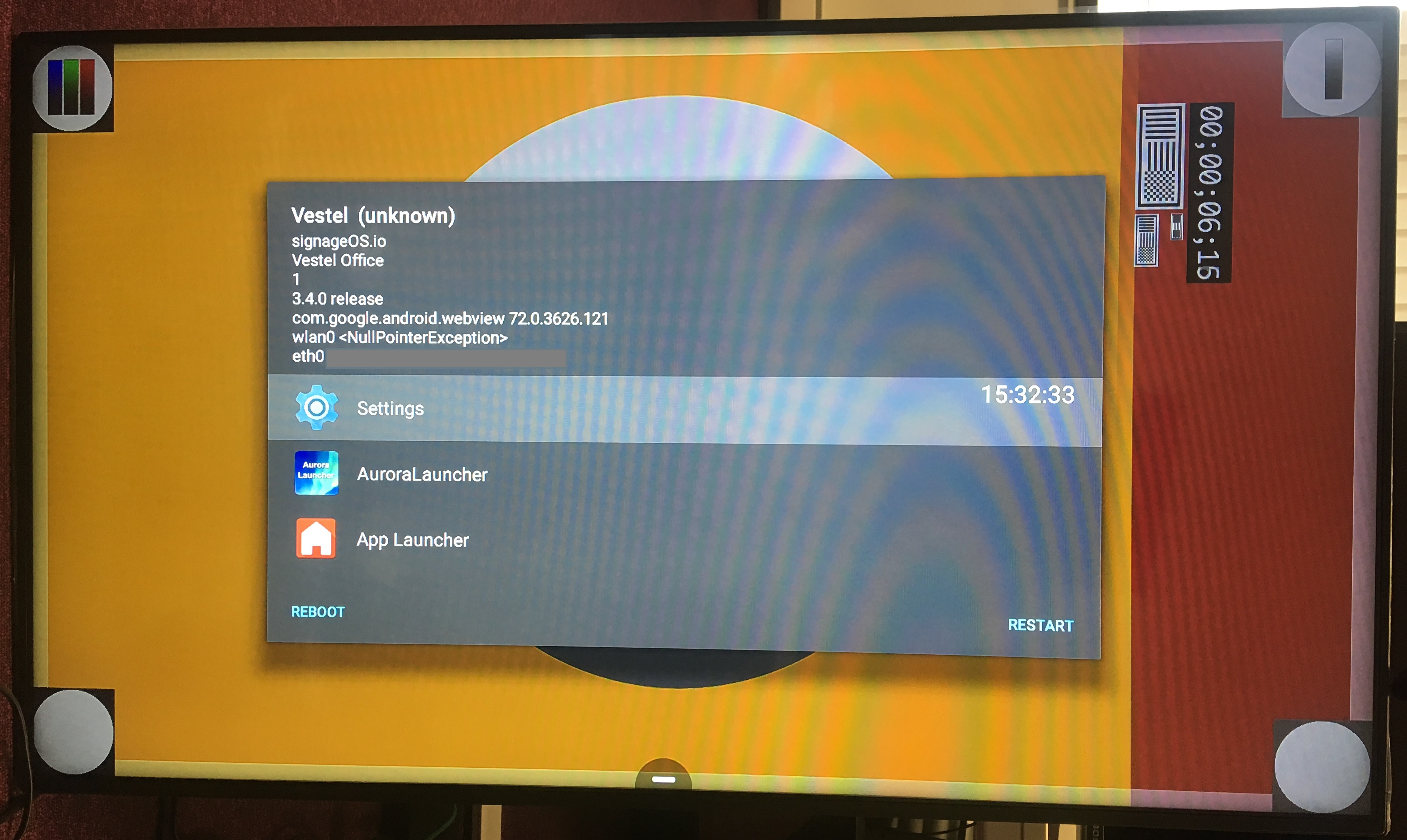
- Select signageOS application and install all necessary files
- Display should now show the Verification Hash and be ready for registration in Box
Next steps
note
Learn how to add new device via Box
note
Learn how to add new device via REST API!
Common Troubleshooting
- Display reports information about internet being not available, in this case check if the device reports internet connection through Android settings menu, native OS may display this information incorrectly