How to open signageOS developer options
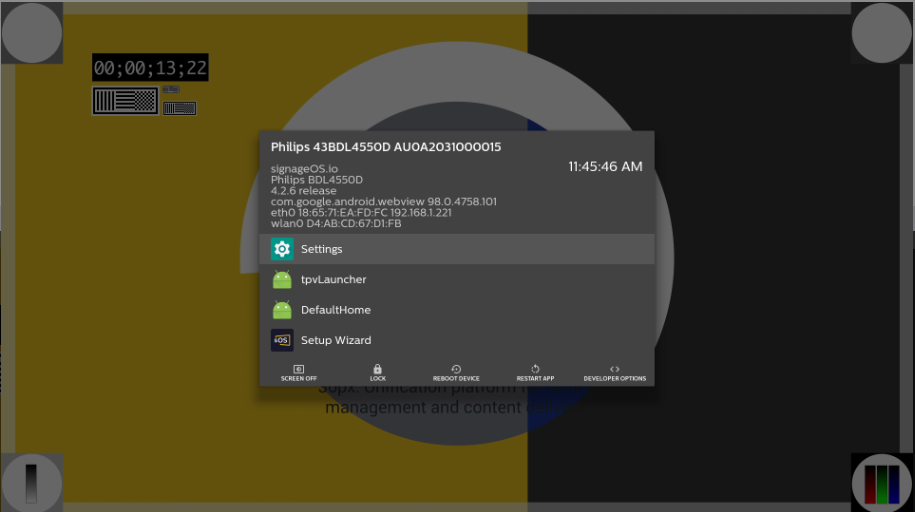
To access our app development options, simply press back on the device remote or right-click with the connected mouse to the device then select Developer Options.
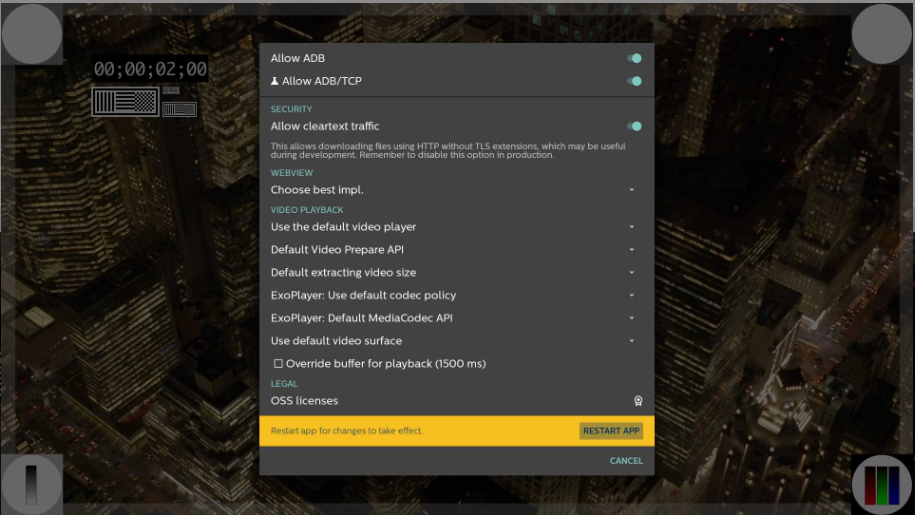
This will be useful in case you might need additional options enabled, for example, to enable ClearText:
-
Get into the signageOS developer option menu
-
Select Developer Options
-
Select Allow cleartext traffic option
-
Scroll all the way down to the confirmation to Restart App, and select it
-
The device will restart and this option will be successfully enabled