Fedora Linux Provisioning
signageOS support for Fedora is in public preview.
signageOS supports device management and content playback for Fedora Linux (x86 architecture). To install the signageOS agent, follow the guide below.
Prerequisites:
- Have curl installed on the target machine
- Run the command as a system administrator (root or any sudo-er)
- Organization UID under which you would like to provision the device
- Minimum version is Fedora v39 and above
- Wayland is not supported, you have to use xorg
Installation:
Fedora supports both - CloudControl and full-featured CoreApp modes.
CloudControl
Run the following script in the terminal, <organizationUID> is the target Organization you created in signageOS.
CloudControl only features device management. If you want to also run your Applets, use CoreApp version of the installation script.
curl -L -s https://o.signageos.io/fedora | sudo bash -s `<organizationUID>` --disable-frontend
CoreApp
Run the following script in the terminal, <organizationUID> is the target Organization you created in signageOS.
This version supports Applets deployment.
curl -L -s https://o.signageos.io/fedora -o provision.sh
chmod +x provision.sh
sudo ./provision.sh <organizationUID>
After running the script:
- SignageOS rpm repository is registered
- SignageOS server is installed and running
- The device is verified by the server and can be found in the box
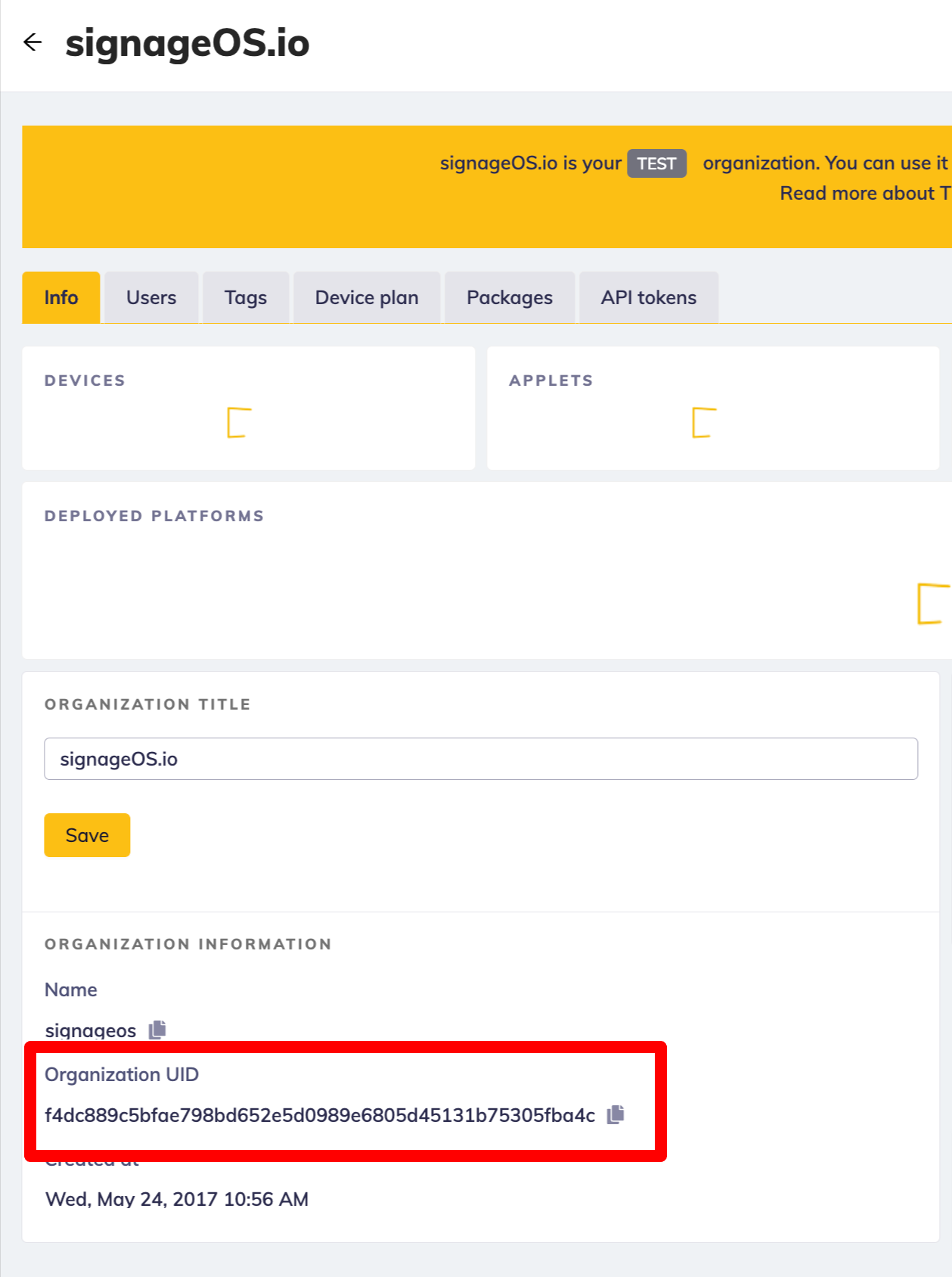
Where to find OrganizationUid
Troubleshooting:
To hide the mouse cursor, you can install dnf install unclutter -idle 1 or dnf install unclutter-xfixes